
Category: Windows
-
Date:
Show Windows 11 Taskbar on All Monitors
This post instructs how to display the Taskbar on additional monitors when using Windows 11. By default, the Taskbar is only on…
-
Date:
How to Connect to Hidden WiFi in Windows 11
This post guides students and new users on joining hidden WiFi networks using Windows 11. Hidden networks require a known SSID and…
-
Date:
How to Upgrade Windows 10 to Windows 11
This post guides students and new users on how to upgrade a Windows 10 PC to Windows 11 using the Windows 11…
-
Date:
How to Get Windows 11 ISO Files
This post guides students and new users on downloading Windows 11 ISO file. A full ISO file with multiple Windows 11 editions…
-
Date:
How to Install Windows 11 from a Bootable USB
This article instructs on creating a bootable USB flash drive to install or reinstall Windows 11 using the Media Creation Tool. This…
-
Date:
Restore Classic Context Menu in Windows 11
The post provides a step-by-step guide for restoring the classic context menus in Windows 11, a feature difference from Windows 10. The…
-

Date:
How to Change Volume Settings in Windows 11
The post provides a guide on adjusting sound volume on Windows 11, either via the Quick Settings menu or the Windows settings…
-
Date:
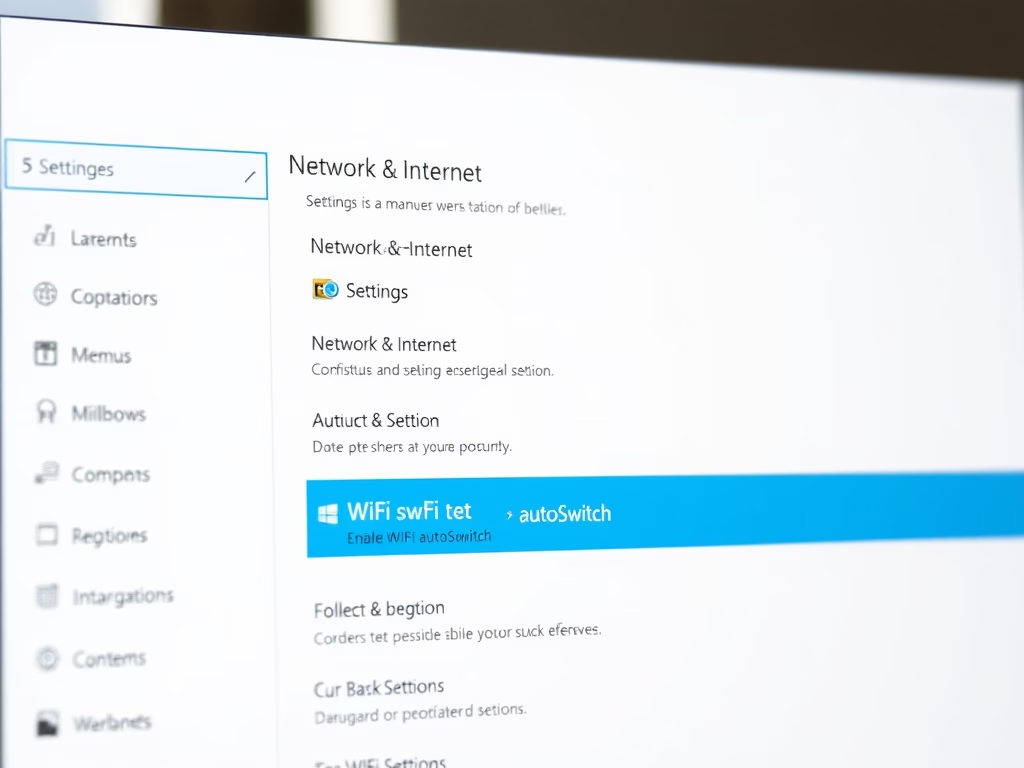
Enable or Disable WiFi autoSwitch on Windows 11
The article provides instructions on how to enable or disable the WiFi autoSwitch feature on Windows 11. This feature, typically disabled by…
-

Date:
Windows 11 Arrives. Will you Upgrade?
Windows 11 is available for free, but not all processors are compatible. Before upgrading, computers running Windows 10 must meet certain requirements…
-
Date:
How to Backup and Restore Device Drivers on Windows 11
The content provides detailed instructions for exporting and importing device drivers on Windows 11. This process aids in the migration or replacement…