Category: Windows
-
Date:
How to Enable Device Encryption in Windows 11
The post instructs users how to enable or disable device encryption on Windows 11 for enhanced data protection. Device encryption converts stored…
-
Date:
How to Restore Files with Windows 11 File History
The post describes how to restore files and folders from File History in case the originals are lost or damaged. Although apps…
-

Date:
How to Disable Game Mode in Windows 11
The post guides students and new users on enabling or disabling Game Mode on Windows 11, a default feature that prioritizes gaming…
-
Date:
How to Enable or Disable File History in Windows 11
The article guides on switching File History on/off in Windows 11, a built-in backup tool that saves user files and folders. The…
-

Date:
How to Find Your Computer Name in Windows 11
This post provides instructions for Windows 11 users on identifying their computer name. Users can name their computer any character excluding certain…
-
Date:
How to Install VLC Media Player on Windows 11
This content provides a detailed guide for installing VideoLAN (VLC) media player on Windows 11 and setting it as the default media…
-
Date:
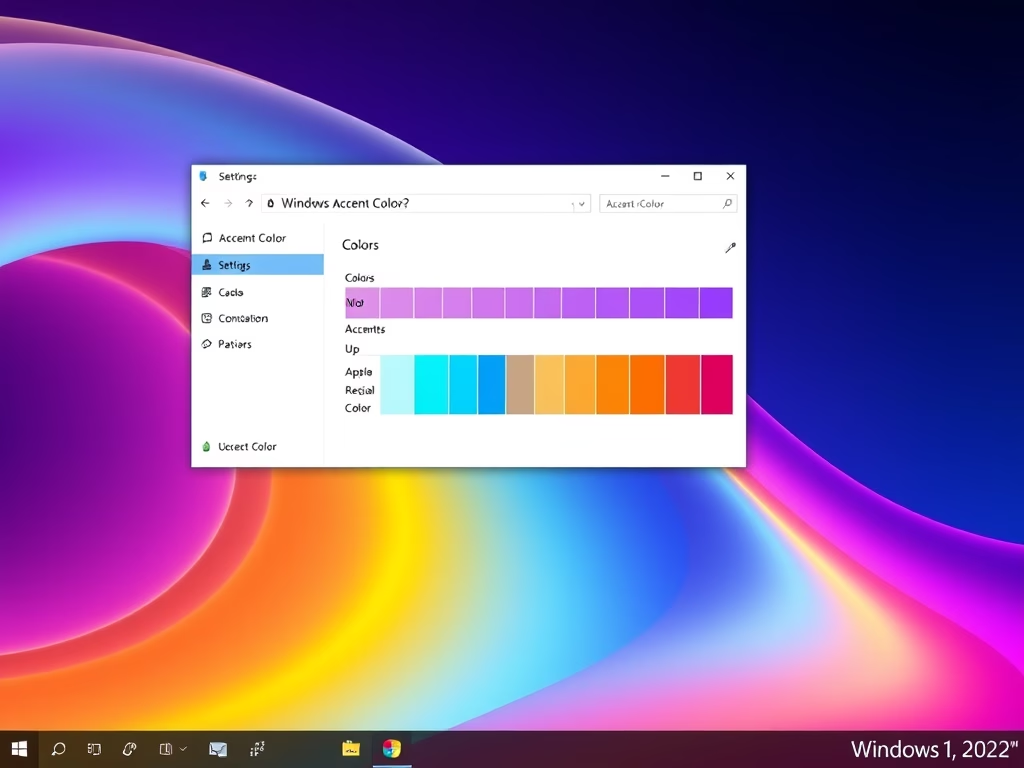
How to change Windows 11 Taskbar Color
This guide provides a method to customize the taskbar color on Windows 11. The process requires accessing the System Settings pane, where…
-

Date:
How to View Your Print Queue on Windows 11
This post provides a guide for students and new users on how to view the print queue in Windows 11. It explains…
-
Date:
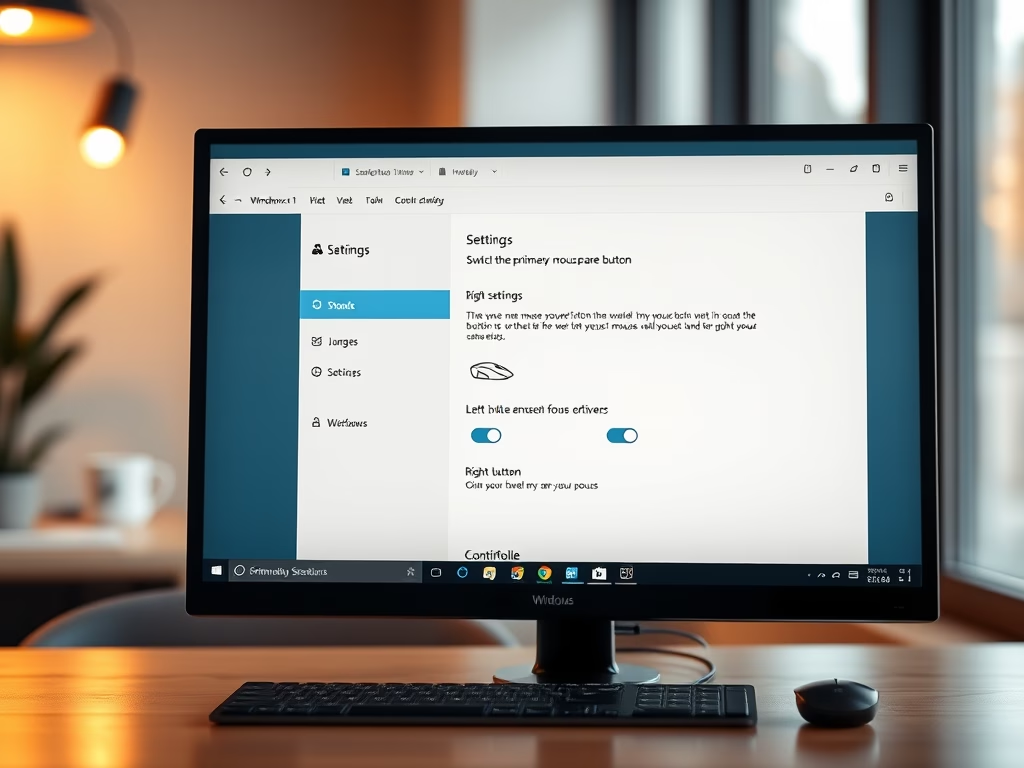
How to Change Primary Mouse Button in Windows 11
The post provides a step-by-step guide for students and new users on how to change or switch the primary mouse button on…
-

Date:
How to Disable Cortana on Windows 11
The post provides a step-by-step guide on how to enable or disable Cortana, an AI-powered personal assistant on Windows 11. Some users…