

Category: Windows
-
Date:
How to Turn On BitLocker to Protect a Data Drive in Windows 11
Geek Rewind› Windows Want to keep your files safe on a data drive? This easy guide will help you turn on BitLocker…
-

Date:
How to Turn On or Off Enhanced Search Mode in Windows 11
Geek Rewind› Windows This simple guide will help you turn on or off Enhanced search mode on your Windows 11 PC. This…
-
Date:
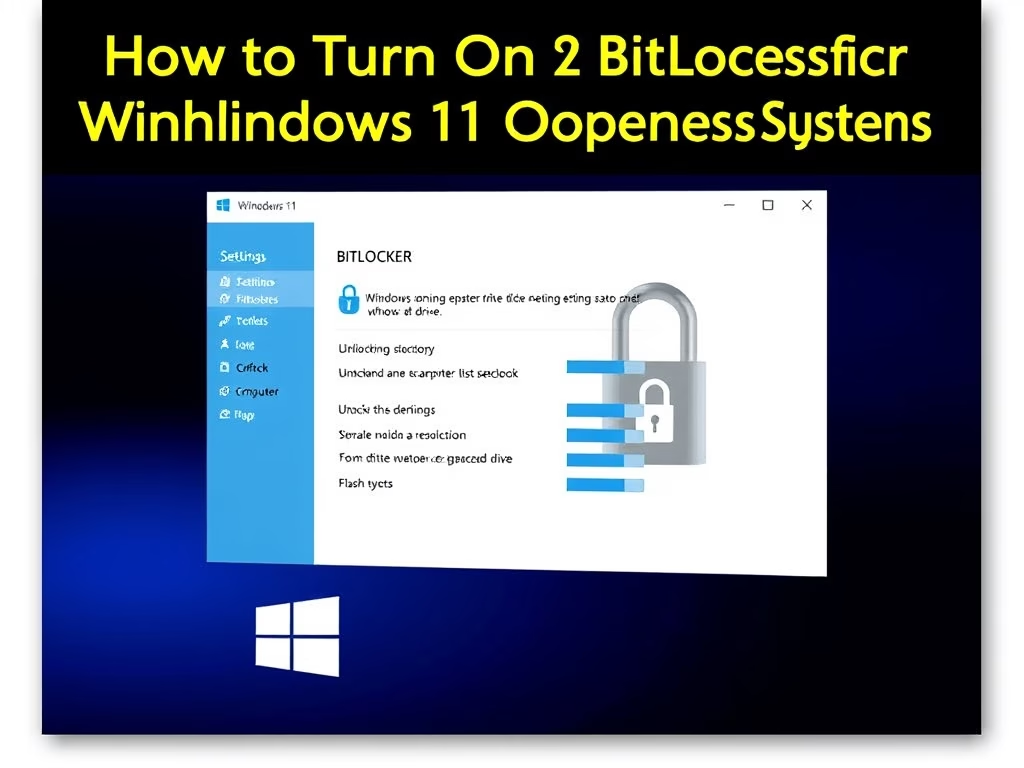
How to Turn On BitLocker for Your Windows 11 Operating System Drive
Geek Rewind› Windows What is BitLocker? BitLocker is a security feature is a tool built into Windows 11. It locks your main…
-
Date:
How to Reset Quick Settings in Windows 11
This guide explains how to reset the Quick Settings panel on a Windows 11 PC to its default state to resolve issues…
-
Date:
Enable or Disable Touch by Finger on Touch Screen in Windows 11
This guide explains how to enable or disable finger touch functionality on Windows 10 and 11 touchscreens while maintaining stylus support. It…
-
Date:
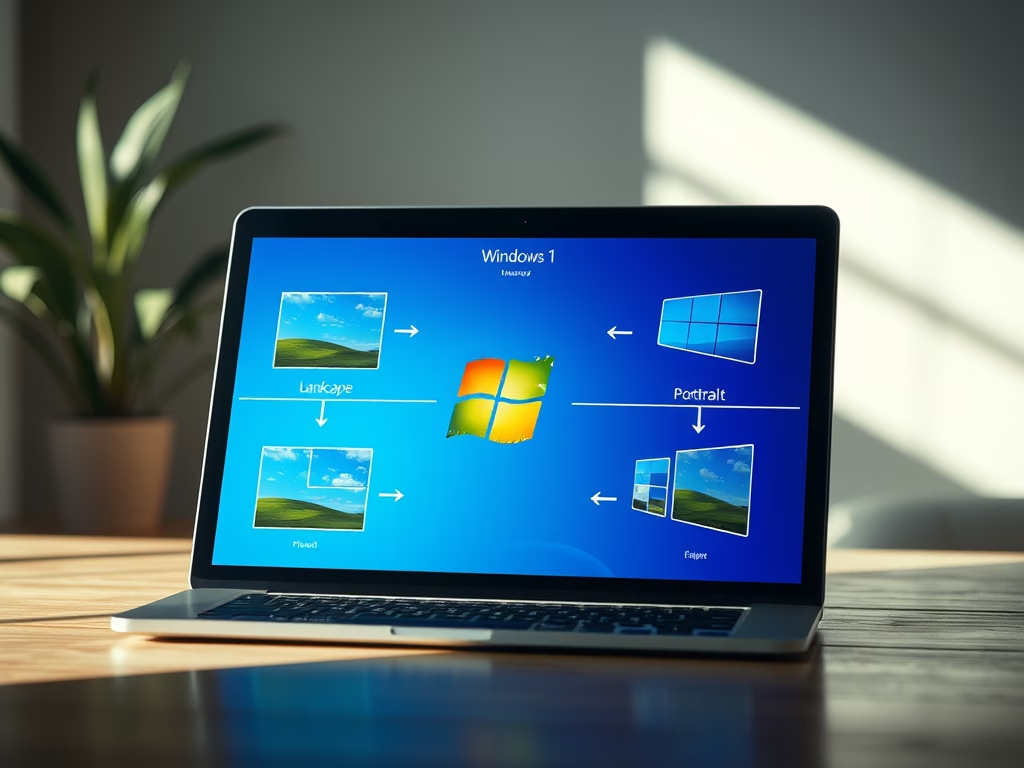
How to Change Display Orientation in Windows 11
This guide explains how to change screen orientation in Windows 11, offering four methods: physically rotating tablets, using keyboard shortcuts, adjusting settings…
-
Date:
How to Turn On or Off Adaptive Brightness in Windows 11
This guide explains how to turn on or off the Adaptive Brightness feature in Windows 11, which adjusts screen brightness based on…
-
Date:
How to Turn On or Off the Color Filters Keyboard Shortcut (Win + Ctrl + C) in Windows 11
Windows 11 offers Color Filters to assist users with color vision challenges by modifying screen colors. The filters can be toggled using…
-
Date:
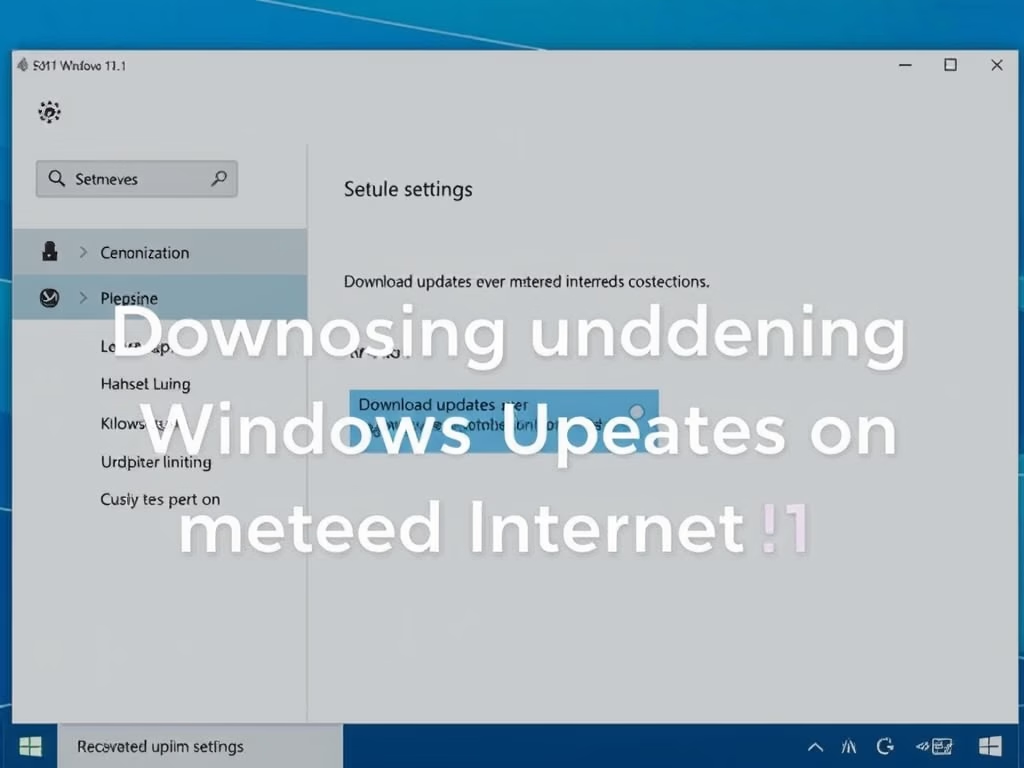
How to Turn On or Off Downloading Windows Updates on Metered Internet in Windows 11
Windows allows users to manage update downloads on metered connections, which have data limits. Users can easily change settings via the Settings…
-
Date:
How to Turn On or Off Scheduled Night Light in Windows 11
This guide explains how to enable the Night Light feature on Windows 11, which reduces blue light for better eye comfort and…