

Tag: Windows 11
-
Date:
Align Taskbar: Left or Center in Windows 11
The text provides instructions on how to change the taskbar alignment in Windows 11. By default, taskbar icons are center-aligned, but these…
-

Date:
Set Windows Spotlight as Desktop Wallpaper
The Windows 11 update build 25169 introduces a feature permitting Windows Spotlight as a desktop theme, offering users a rotating array of…
-

Date:
Disable Window Minimization in Windows 11: Easy Guide
The post details how to enable or disable the ‘minimize windows when a monitor is disconnected’ feature in Windows 11. By default,…
-
Date:
Enable or Disable Monitor Connection Windows in Windows 11
The post provides a how-to guide for enabling or disabling the ‘Remember window locations based on monitor connection’ feature in Windows 11.…
-

Date:
Manage Administrator Account Lockout in Windows 11
The post explains how to enable or disable the administrator account lockout policy in Windows 11, a feature designed to protect against…
-

Date:
Unlocking Windows 11: Steps to Access Locked Accounts
Windows 11’s new account lockout policy helps protect users against brute-force password attacks by locking the account after ten failed sign-in attempts.…
-

Date:
How to Use Nearby Sharing in Windows 11
This piece instructs users, especially students and beginners, on how to use the ‘Nearby sharing’ feature in Windows 11 to share files…
-

Date:
How to Safely Reduce WinSxS Folder Size in Windows 11
The content provides a guide for students and new users on decreasing the size of the WinSxS folder in Windows 11, key…
-
Date:
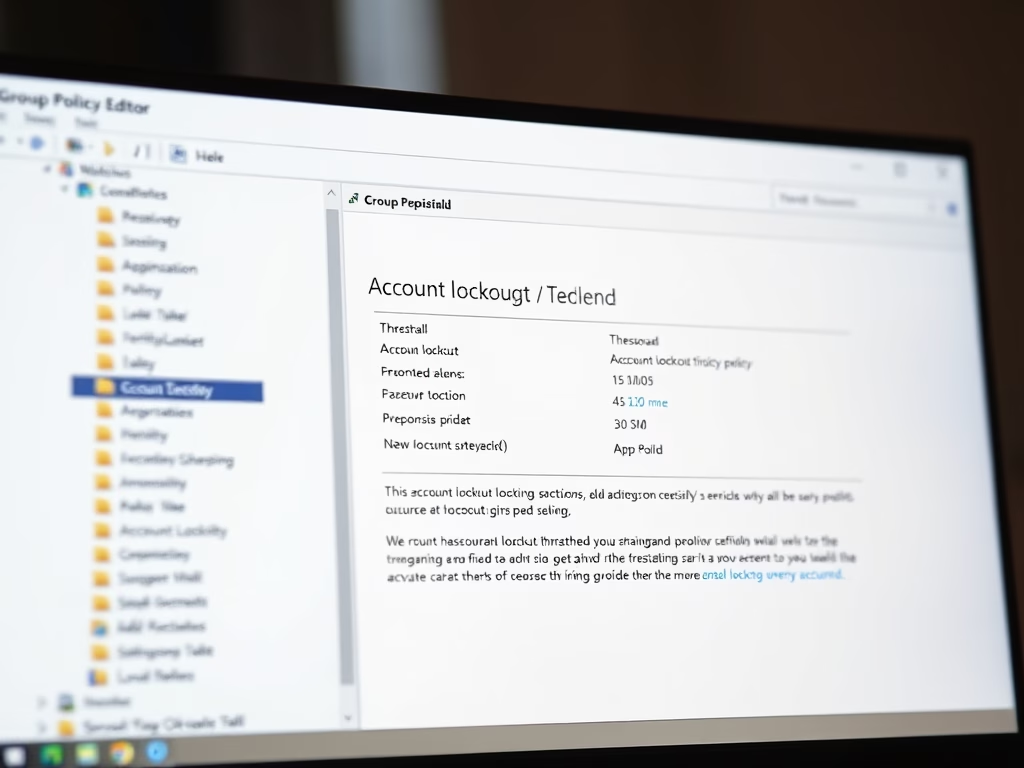
Change Account Lockout Threshold in Windows 11
The post educates users on modifying the account lockout threshold in Windows 11. Windows 11 has implemented a new account lockout policy…
-

Date:
How to Check WinSxS Folder Size in Windows 11
This guide illustrates the steps for students and new users to ascertain the size of the WinSxS folder in Windows 11. The…