
Category: Windows
-
Date:
How to Uninstall Windows Updates in Windows 11
Windows 11 updates enhance security and functionality but can sometimes cause issues. Users can uninstall problematic updates via the Settings app, Control…
-
Date:
How to Enable or Disable Title bar window Shake in Windows 11
Aero Shake is a Windows 11 feature that allows users to minimize all open windows by shaking the title bar of a…
-
Date:
How to Reset Apps in Windows 11
If an app on Windows 11 isn’t functioning correctly, it can be reset to its original state, which erases all data and…
-
Date:
How to Show or Hide Drive Letters in Windows 11 File Explorer
This guide explains how to show or hide drive letters in Windows 11 File Explorer for a cleaner appearance. Users can change…
-
Date:
How to Automate Do Not Disturb in Windows 11
Windows 11’s Do Not Disturb feature minimizes distractions by silencing notifications. Users can automate its activation for specific times or activities such…
-
Date:
How to Keep Windows 11 Task Manager Always on Top
To keep the Task Manager window visible above other apps in Windows 11, enable the “Always on top” feature. Open Task Manager…
-
Date:
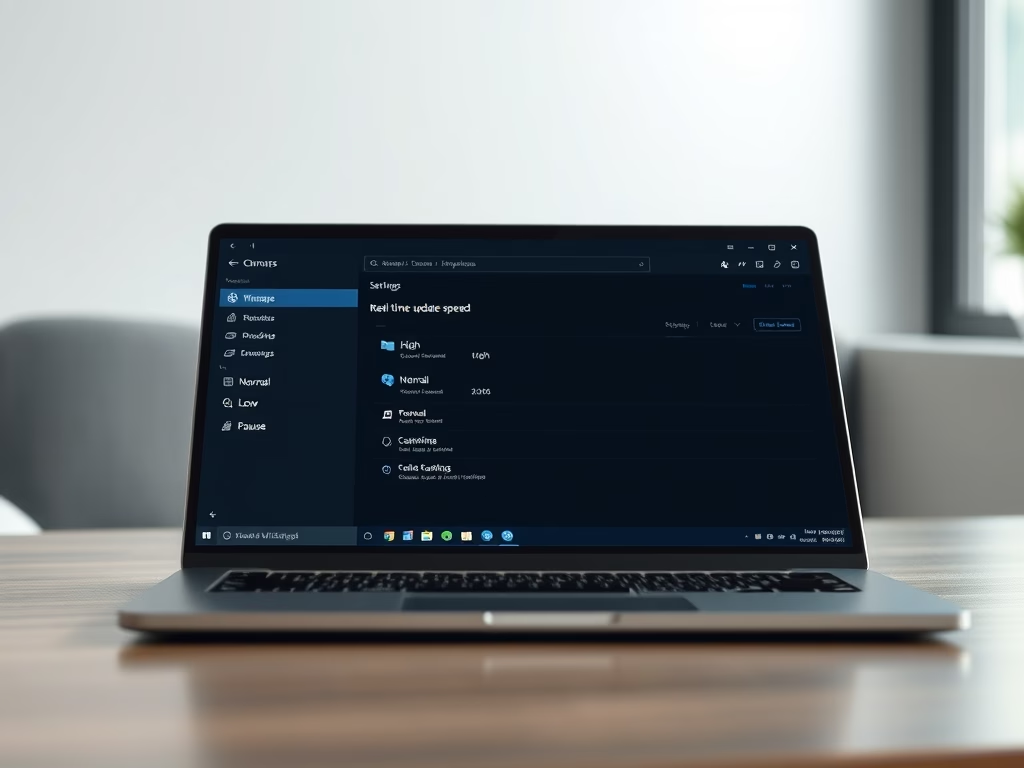
How to Change Real-Time Update Speed in Windows 11 Task Manager
Windows 11’s Task Manager includes a “Real-time update speed” feature, allowing users to control data refresh rates. Options include High (0.5 seconds),…
-
Date:
How to Turn On “Activate on Hover” Mouse Feature in Windows 11
“Activate on hover” is a Windows feature that allows users to make a window active by simply hovering the mouse over it,…
-
Date:
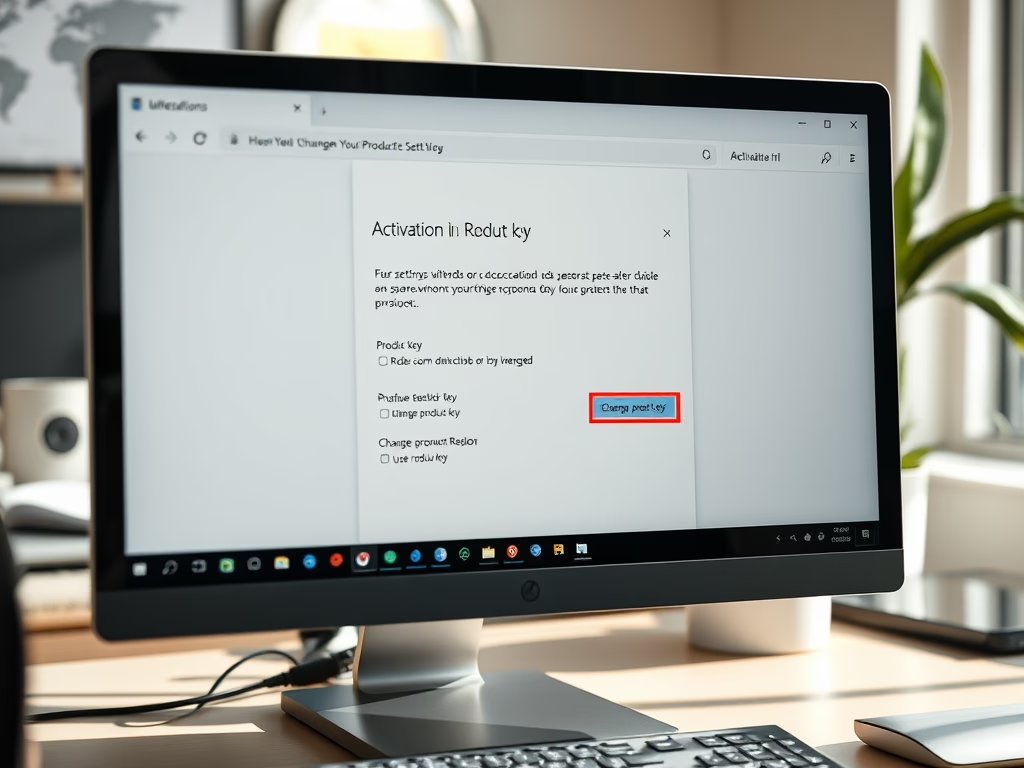
How to Change Your Product Key in Windows 11
This guide outlines steps to change your Windows 11 product key, a crucial 25-character code for activation. You can do this via…
-
Date:
How to Open Command Prompt at Boot in Windows 11
This guide explains how to open Command Prompt before logging into Windows 11 to troubleshoot issues when the operating system fails to…