
Category: Windows
-
Date:
How to Install a Scanner on Windows 11
The article provides a guide on installing scanners in Windows 11, highlighting the benefits of digitizing documents. It outlines steps for both…
-

Date:
How to Backup and Restore Files in Windows 11
This article provides a guide for students and new users on how to backup and restore important files and folders in Windows…
-
Date:
How to Change Display Language in Windows 11
This article details how to change the display language in Windows 11, enhancing user experiences for multilingual individuals or those in non-native…
-
Date:
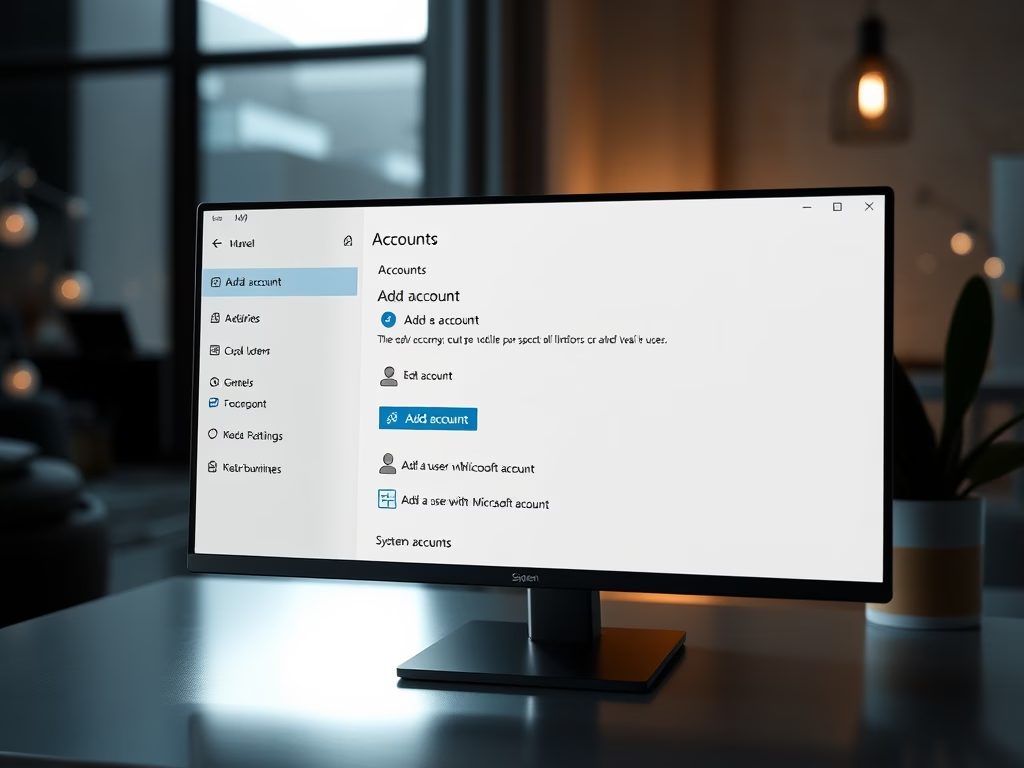
How to Add Local Users in Windows 11
This article outlines the process of adding new local users in Windows 11, emphasizing its importance for security and efficiency when sharing…
-
Date:
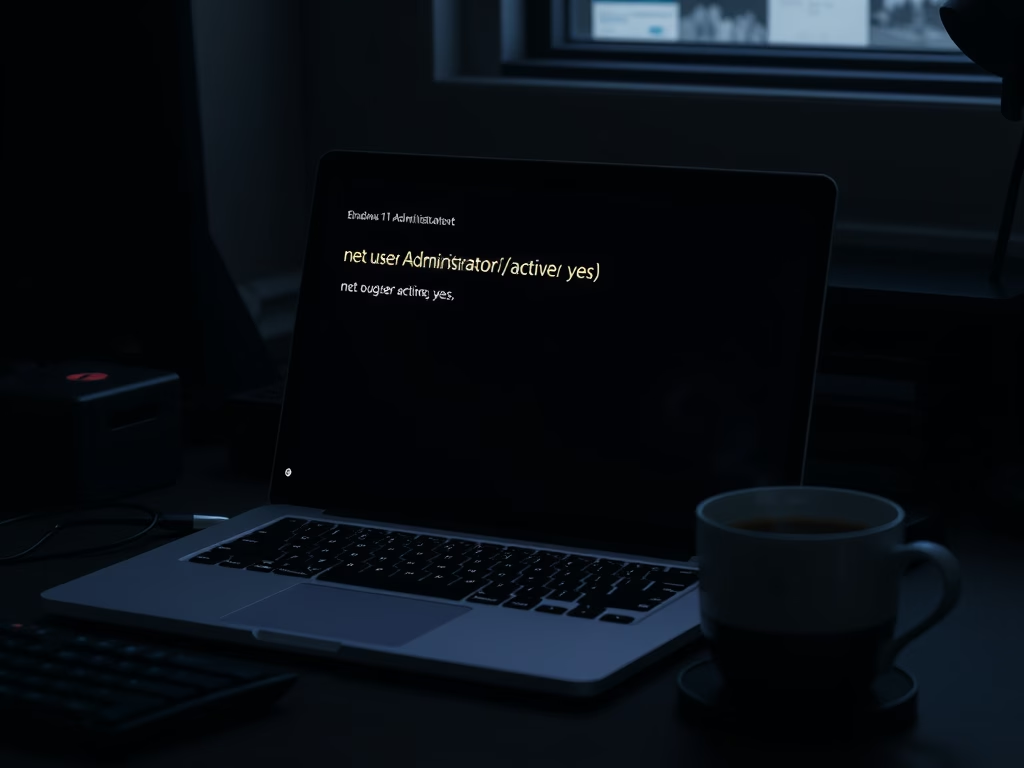
How to Enable Windows 11 Built-in Administrator Account
This article explains how to enable and disable the built-in administrator account in Windows 11. By using command line instructions, users can…
-

Date:
How to Lock Your Windows 11 Computer
The article discusses various methods to lock a Windows 11 computer to ensure data security and privacy. It highlights features like using…
-

Date:
Manage Windows 11 Camera Access for Apps
The post provides a guide on how to manage webcam and built-in camera apps on Windows 11 for privacy reasons. Windows 11’s…
-
Date:
How to Enable Dark Mode in Windows 11
Enabling dark mode in Windows 11 reduces eye strain and improves battery life for laptops and tablets. The process involves accessing the…
-

Date:
How to Disable Windows 11 Notifications
This article explains how to disable notifications in Windows 11 to reduce distractions and enhance privacy. Users can manage notifications through the…
-

Date:
How to Factory Reset Windows 11: A Step-by-Step Guide
The post explains how to factory reset Windows 11 either through the System Settings App for regular operations or via the command…