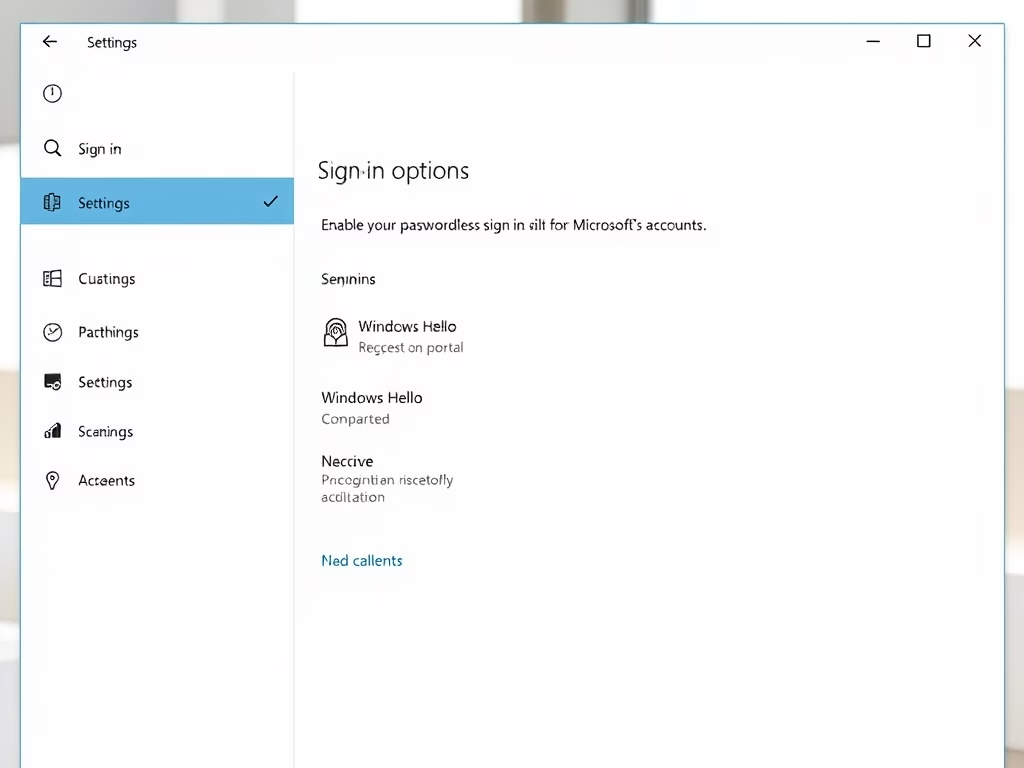
Let’s walk through how to turn passwordless sign-in on or off for your Microsoft account in Windows 11. Why Do This? Switching to passwordless sign-in for Windows 11 makes your…
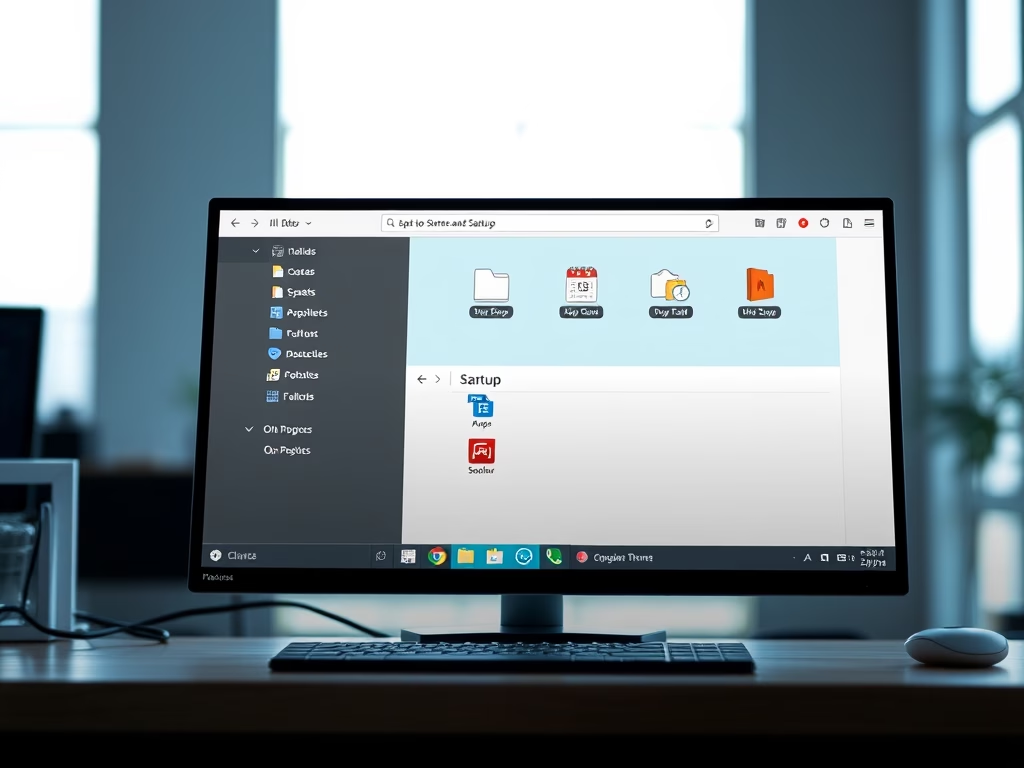
You can add apps to run automatically at startup in Windows 11 by placing their shortcuts in a special folder. This feature lets you launch your favorite programs the moment…
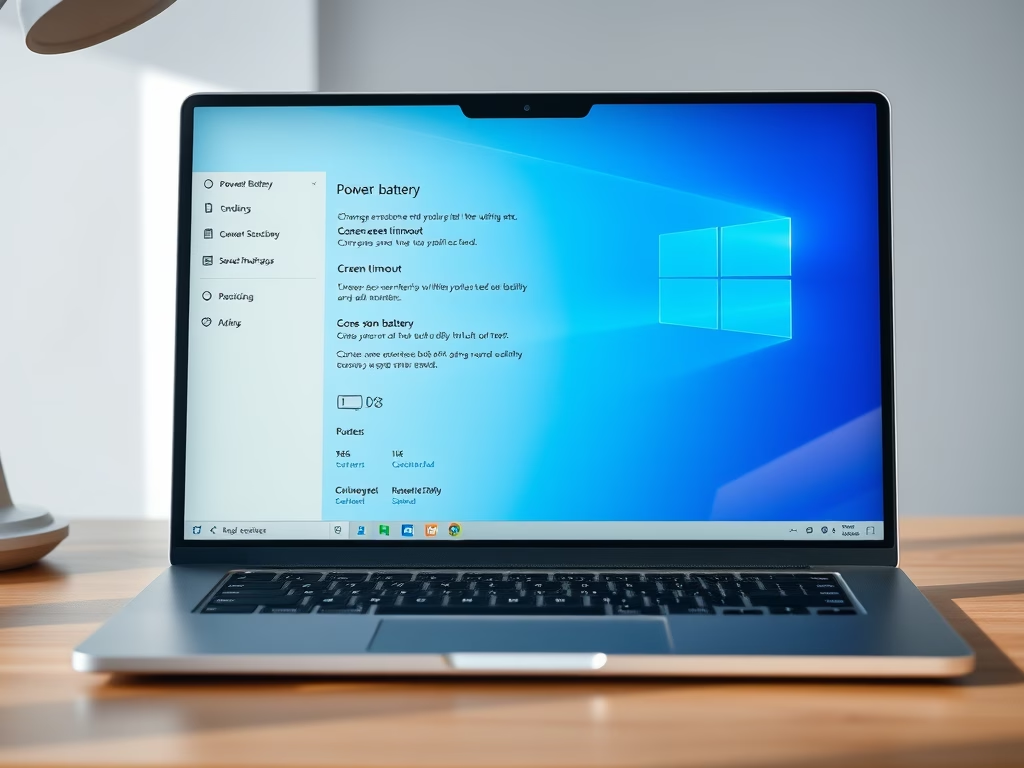
This tutorial shows you how to set how long your Windows 11 computer waits before turning off the display when it’s idle. You can choose a screen timeout, which is…
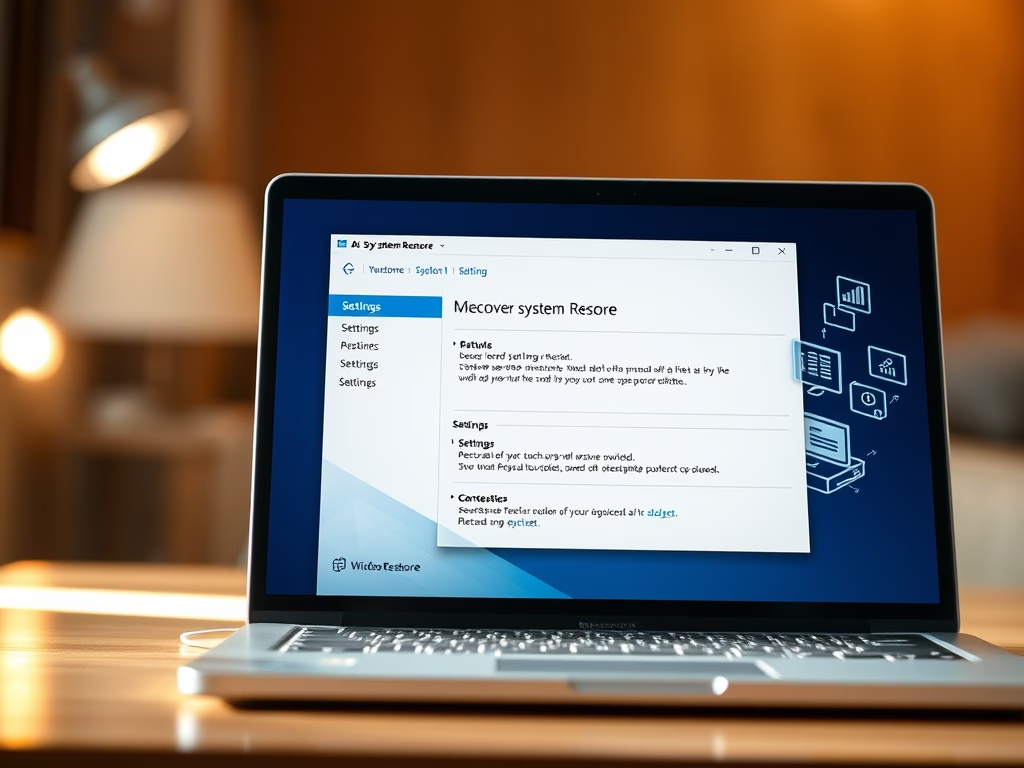
This tutorial shows you how to turn System Restore on or off in Windows 11. What is System Restore? System Restore is a Windows tool that saves copies of your…
This guide shows you how to turn on or off Kernel-mode Hardware-enforced Stack Protection in Windows 11. This feature helps protect your computer from harmful software. Core isolation is a…
This tutorial shows you how to turn on or off the “Get me up to date” feature for Windows Update in Windows 11. Why Update Your Windows? Keeping your Windows…
This tutorial shows you how to turn the touch keyboard on or off in Windows 11. You can control what happens when there’s no physical keyboard attached to your device.…
This tutorial shows you how to turn the lock screen slideshow on or off in Windows 11. When your PC starts up or when you lock it, a slideshow on…
This tutorial will show you how to grant Copilot microphone access in Windows 11, or how to take it away if you prefer. What is Microsoft Copilot? Microsoft Copilot is…
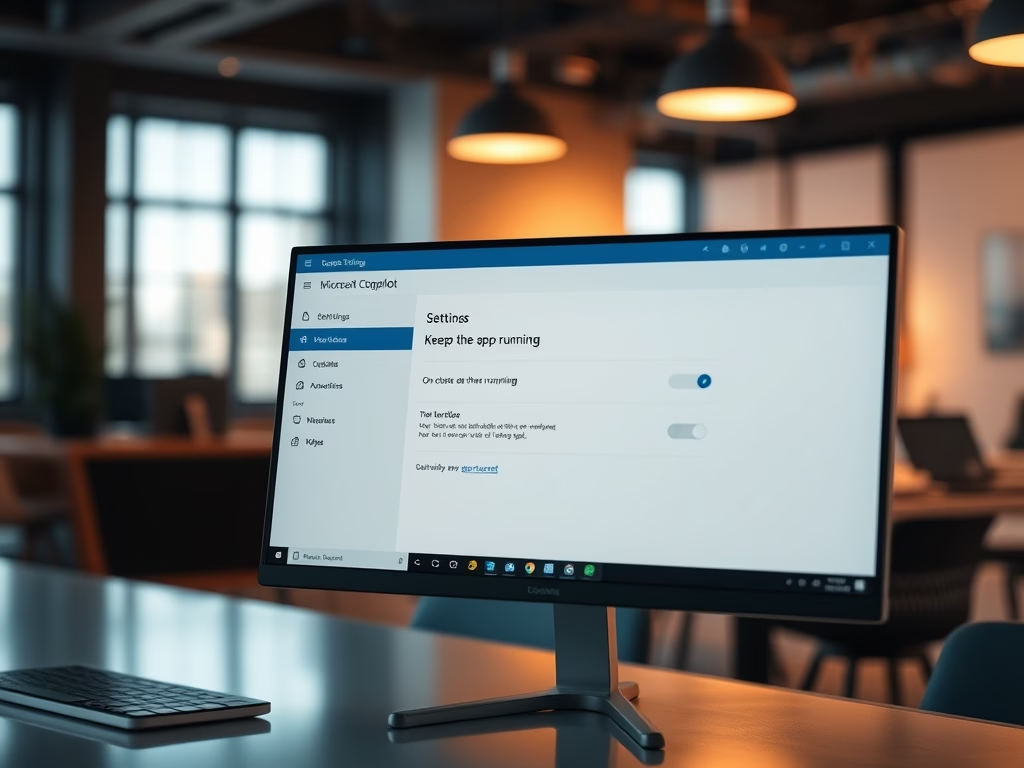
This tutorial guides you on how to control whether the Copilot app keeps running in the background after you close it on Windows 11. What is Microsoft Copilot? What is…
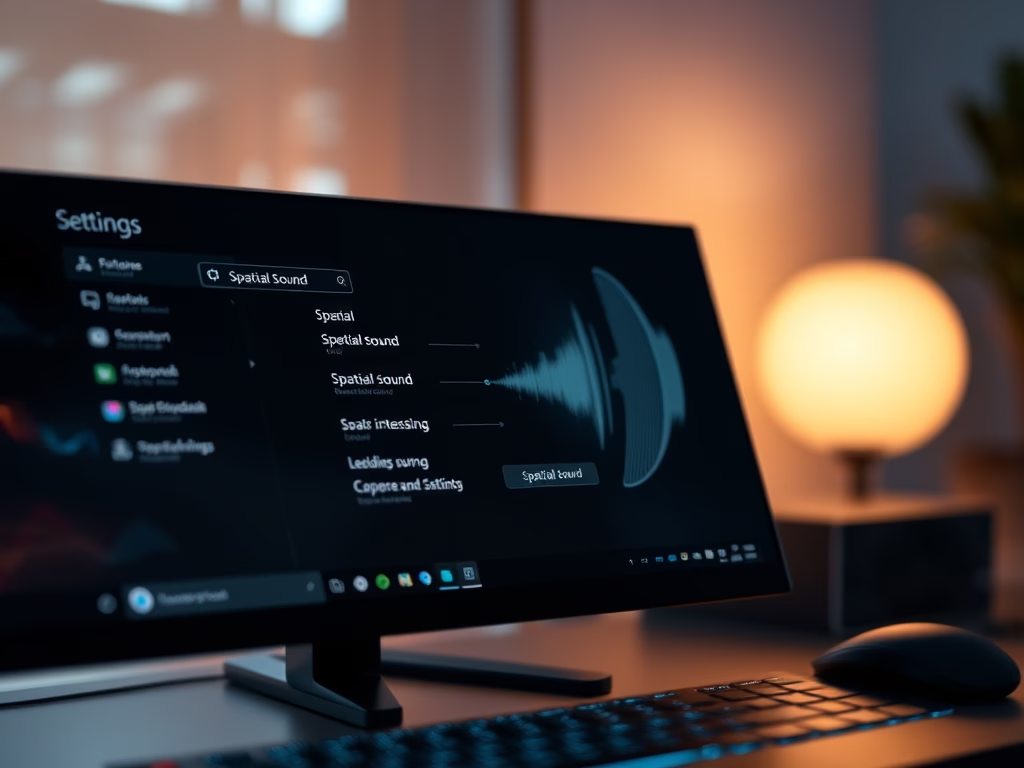
This tutorial will show you how to enable or disable Spatial Sound in Windows 11. What is Spatial Sound? Spatial sound in Windows 11 makes your audio feel like it’s…
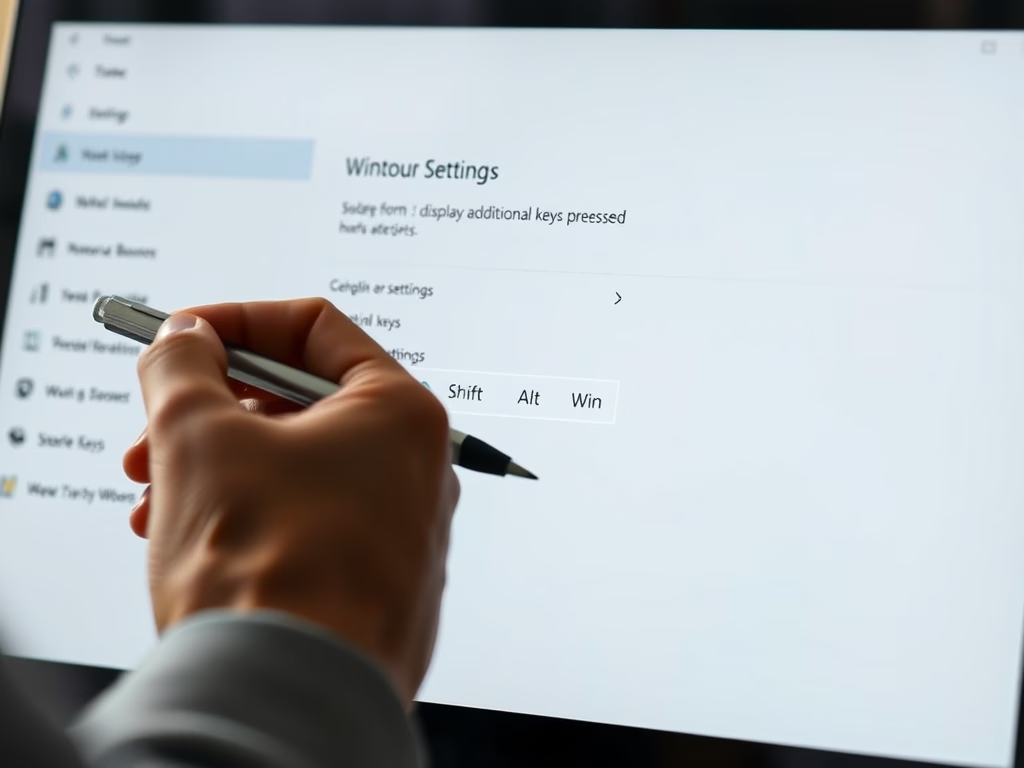
You can enable or disable the display of additional keys pressed when using a pen in Windows 11 through the Pen & Windows Ink settings. This feature shows modifier keys—like…
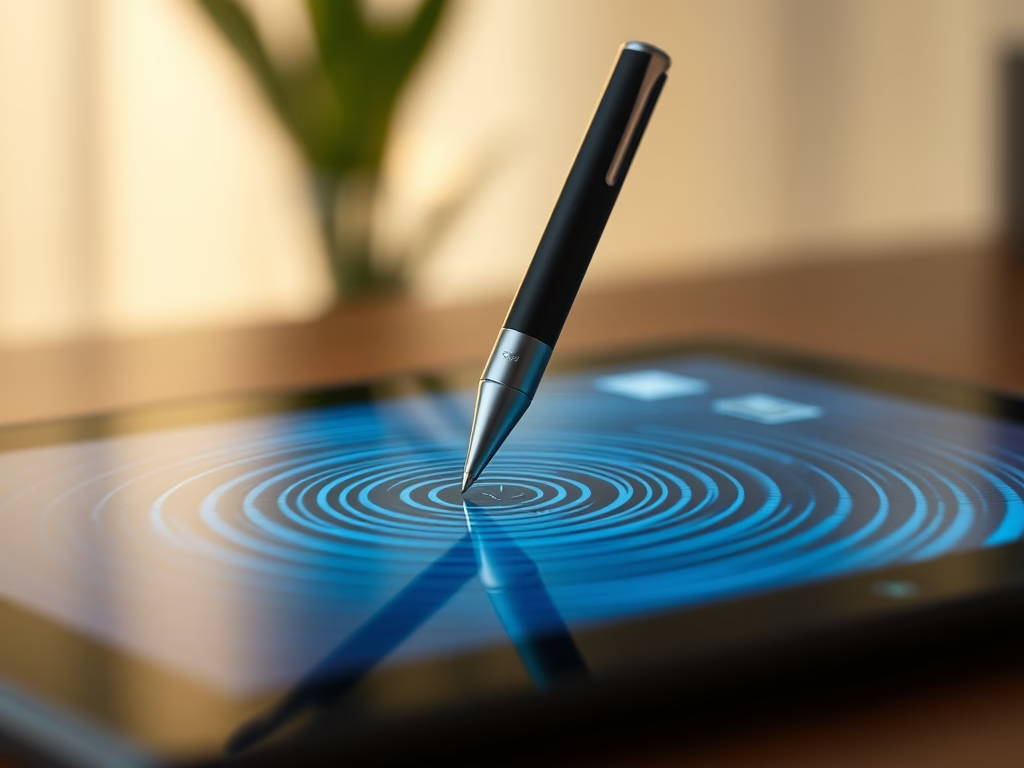
Ever tap your screen with a stylus in Windows 11 and see a little ripple effect? This tutorial shows you how to control those visual effects, turning them on or…
You can enable or disable the pen cursor in Windows 11 to improve your touchscreen experience when using a stylus. Think of the pen cursor as a little on-screen target…
You enable or disable the “Use pen as mouse” feature in Windows 11 to control how your digital pen interacts with your screen. This setting lets your stylus act like…