
Category: Windows
-
Date:
Enable or Disable WiFi on Windows 11
This article explains how to enable or disable WiFi on a Windows 11 PC. It details multiple methods, including using physical WiFi…
-

Date:
Reinstall Microsoft Print to PDF in Windows 11
This article outlines the process for reinstalling the Microsoft Print to PDF printer in Windows 11. It details using Command Prompt commands…
-
Date:
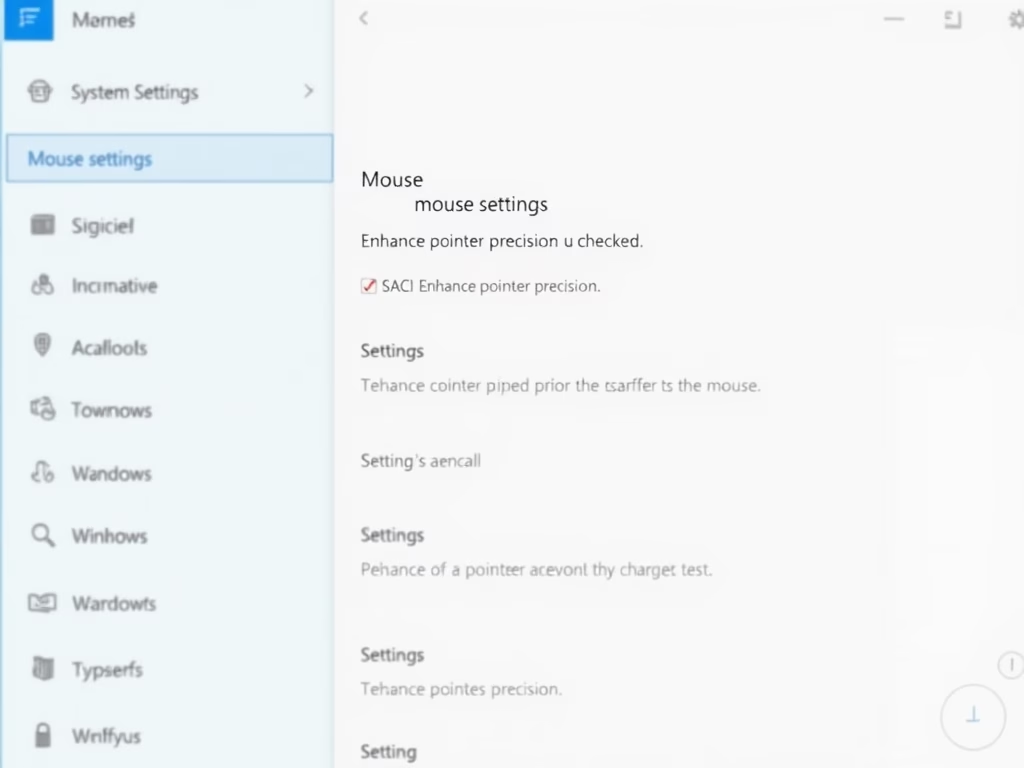
How to Turn Off Mouse Acceleration in Windows 11
This article outlines how to disable mouse acceleration in Windows 11, a feature that can cause erratic cursor movement. It provides clear,…
-
Date:
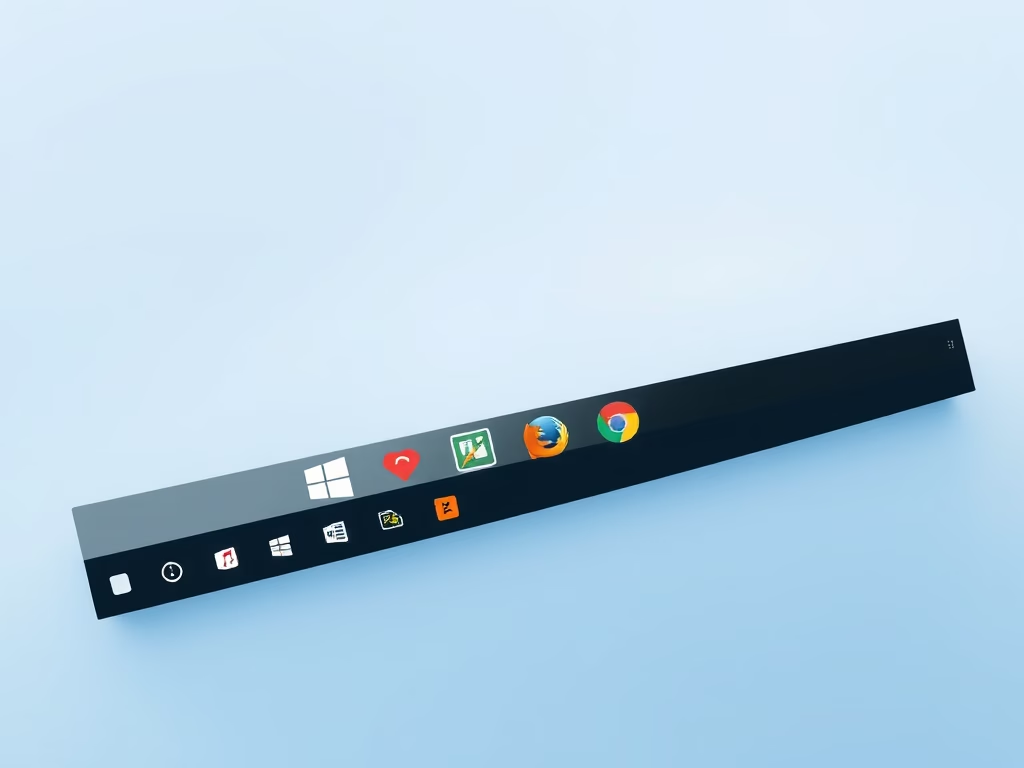
How to Pin Apps to Windows 11 Taskbar
This article outlines how to pin application icons to the Windows 11 Taskbar for easier access. Users can quickly add preferred apps…
-
Date:
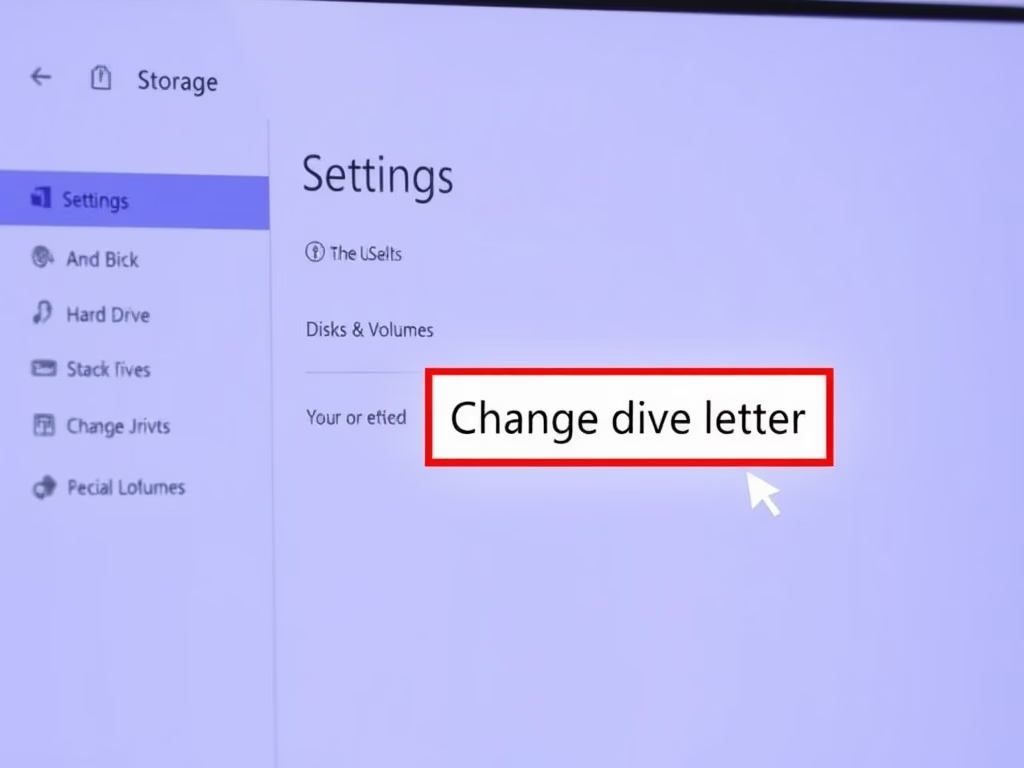
How to Change Drive Letters in Windows 11
This article describes how to change or assign drive letters to internal or external storage devices in Windows 11. It explains the…
-
Date:
Set Up Fingerprint Recognition on Windows 11
This article details the process of adding a fingerprint for logging into Windows 11, outlining prerequisites like a fingerprint sensor. Users can…
-
Date:
How to Enable OpenSSH Server in Windows 11
This article outlines how to install and configure the built-in OpenSSH Server on Windows 11. It details a straightforward installation process through…
-
Date:
How to Enable or Disable Animation Effects in Windows 11
The article outlines how to enable or disable “Animation effects” in Windows 11, which enhance visual transitions like fading and sliding. By…
-
Date:
How to Set Up a Windows Hello PIN
This article outlines how to log in to Windows 11 using a secure PIN, part of the Windows Hello feature. PINs, unique…
-

Date:
Set Up Picture Password in Windows 11
The post guides users in setting up a picture password in Windows 11. This feature allows users to sign in by identifying…