
Wire is a popular, cross-platform, encrypted instant messaging and collaboration platform created by Wire Swiss. It is available for iOS, Android, Linux, Windows, macOS, and Web browser clients.
This brief tutorial will show students and new users how to install the Wire desktop app on Ubuntu 16.04 and 18.04 desktops.
Wire brings teams together to collaborate on projects so work can get done as quickly and efficiently as possible. Wire can help your team communicate and collaborate, whether you’re a small or large enterprise. And these conversations will be available on the desktop, mobile devices, and everywhere you have Wire installed.
Text, voice, video, and media on Wire are always end-to-end encrypted 1:1 and in groups, so all your conversations are secure and private.
When you’re ready to install Wire for Linux, follow the steps below:
Below are two options available when installing Wire on Ubuntu desktops…. You can select either one to get it installed…
Install Wire DEB Package
To install Wire using its DEB package, select it at the link below.DEB version… 64-bit should be good if your system supports it. Then download it to your desktop (usually to the Downloads folder of your Home directory).
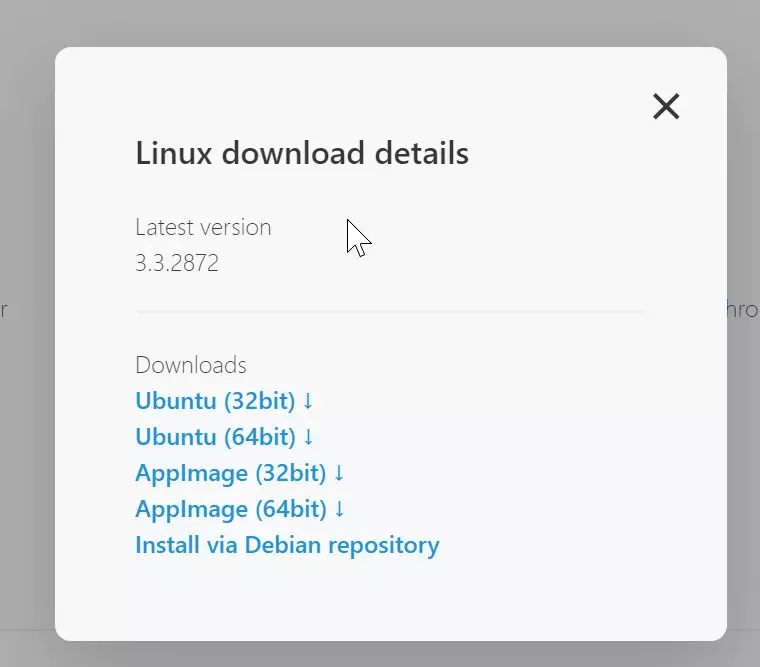
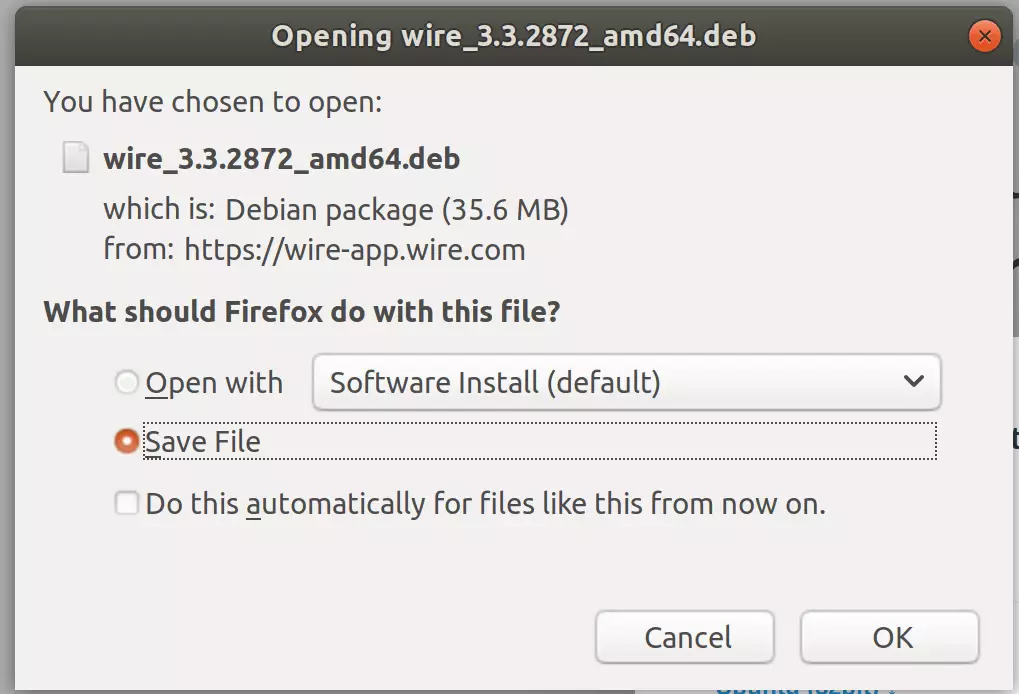
Download and save the file to your desktop… usually in your Home directory’s ~/Downloads folder.
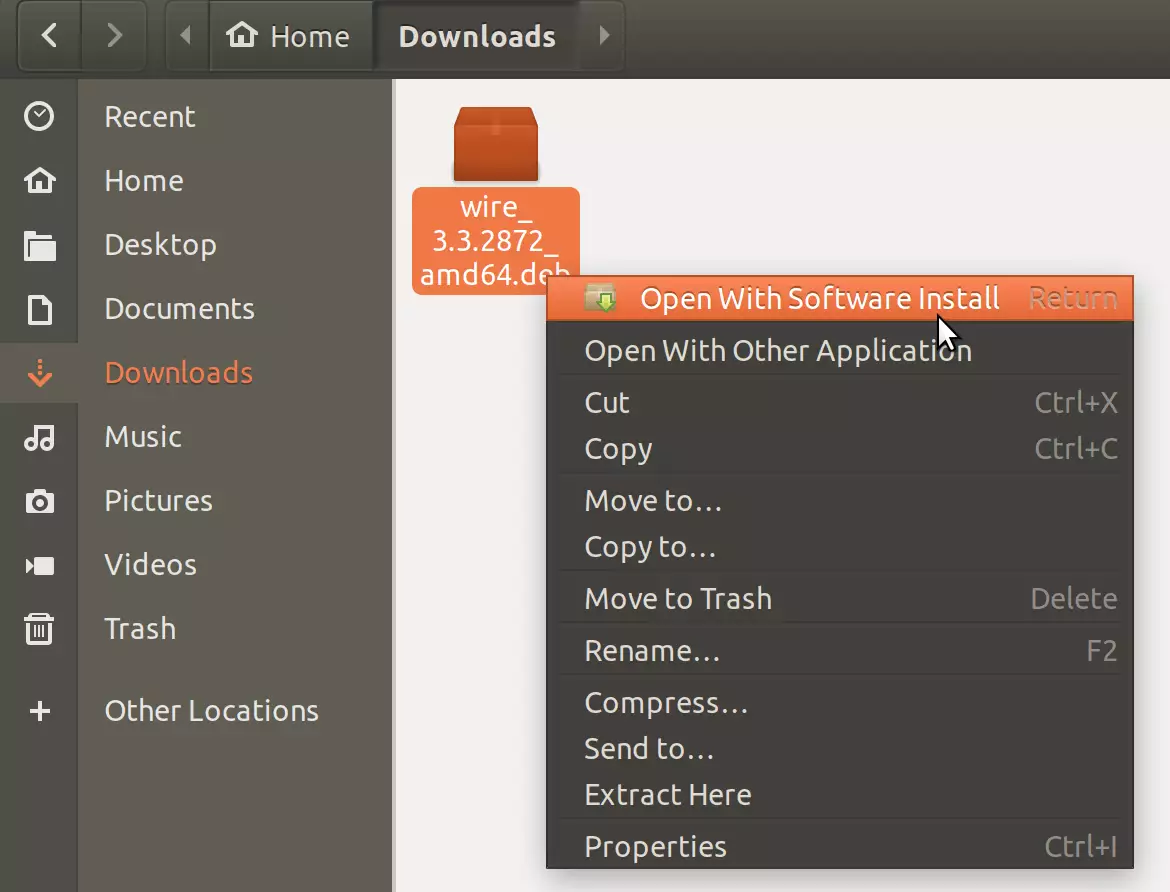
After downloading, navigate to your Downloads folder, right-click the downloaded file, and select Open With Software Install.
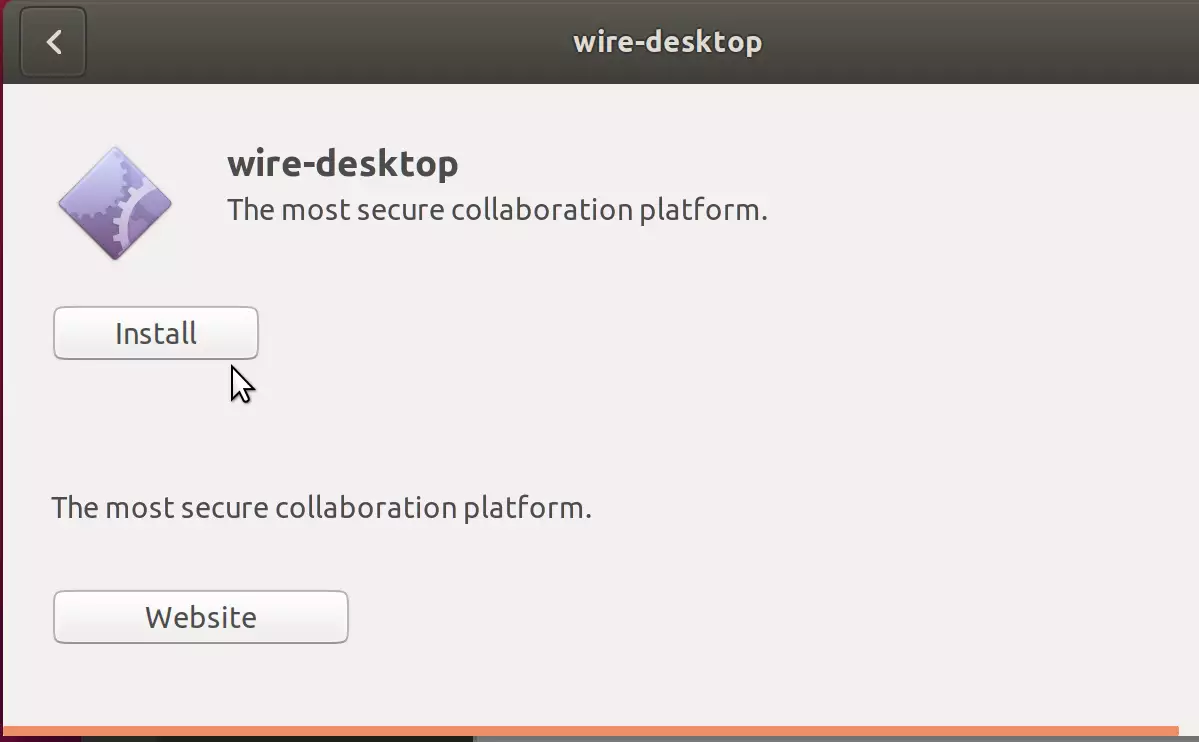
When Ubuntu Software opens, click Install to begin the installation.
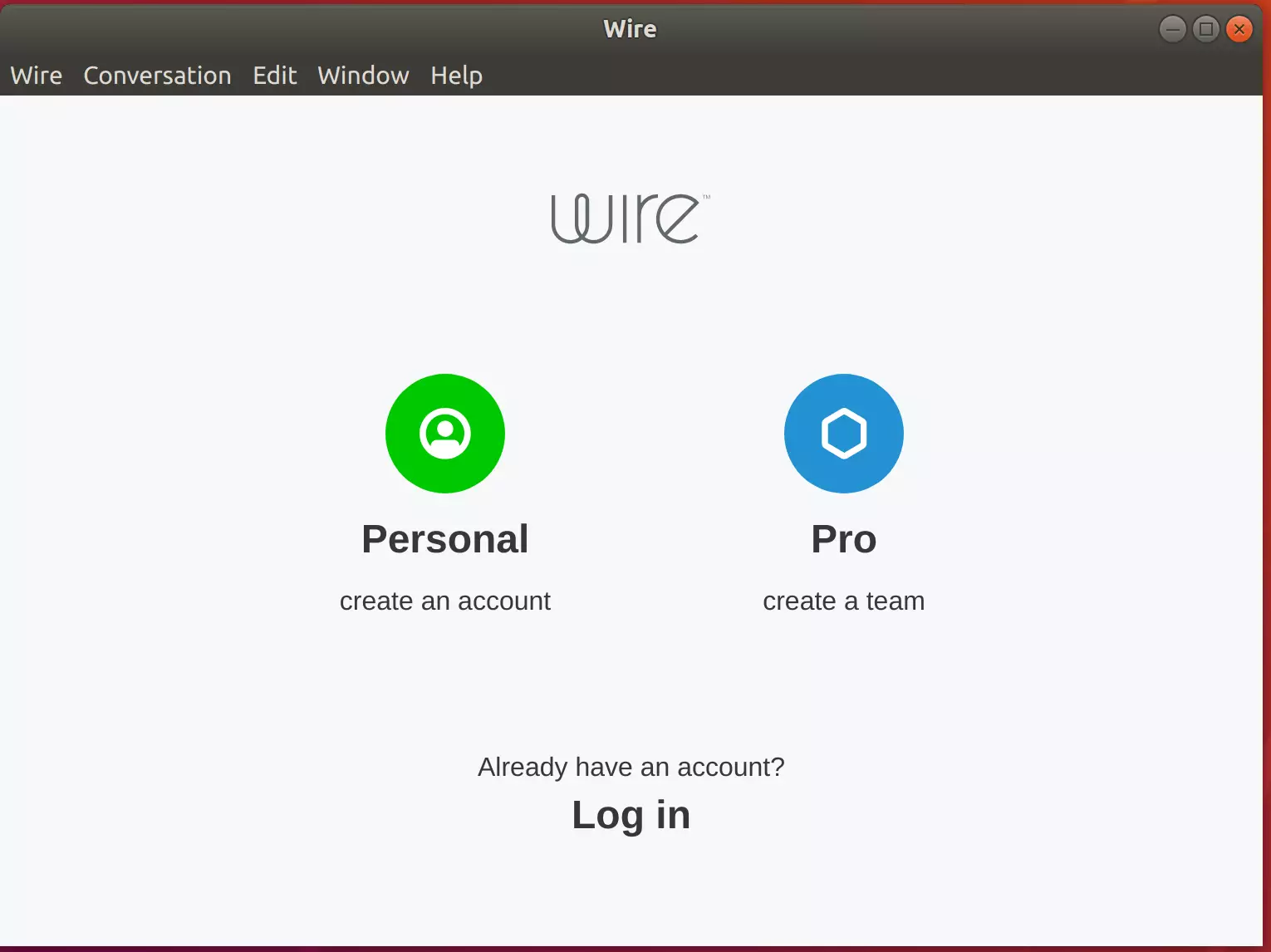
That should prompt you to type and confirm your password before the installation can continue. The Wire should be installed and ready to use when you’re done. To launch it, go to the Activities Overview, search Wire, and launch it.
Install Wire via Snap
Wire can also be installed via Ubuntu snap package management. This might be the quickest way to install Wire.
Snaps are applications packaged with dependencies to run on all popular Linux distributions from a single build. They update automatically and roll back gracefully.
To install via Snap, run the commands below
sudo apt install snapd
sudo snap install wire
That’s it!
You may also like the post below:





Leave a Reply to Paydin Cancel reply