
Category: Windows
-
Date:
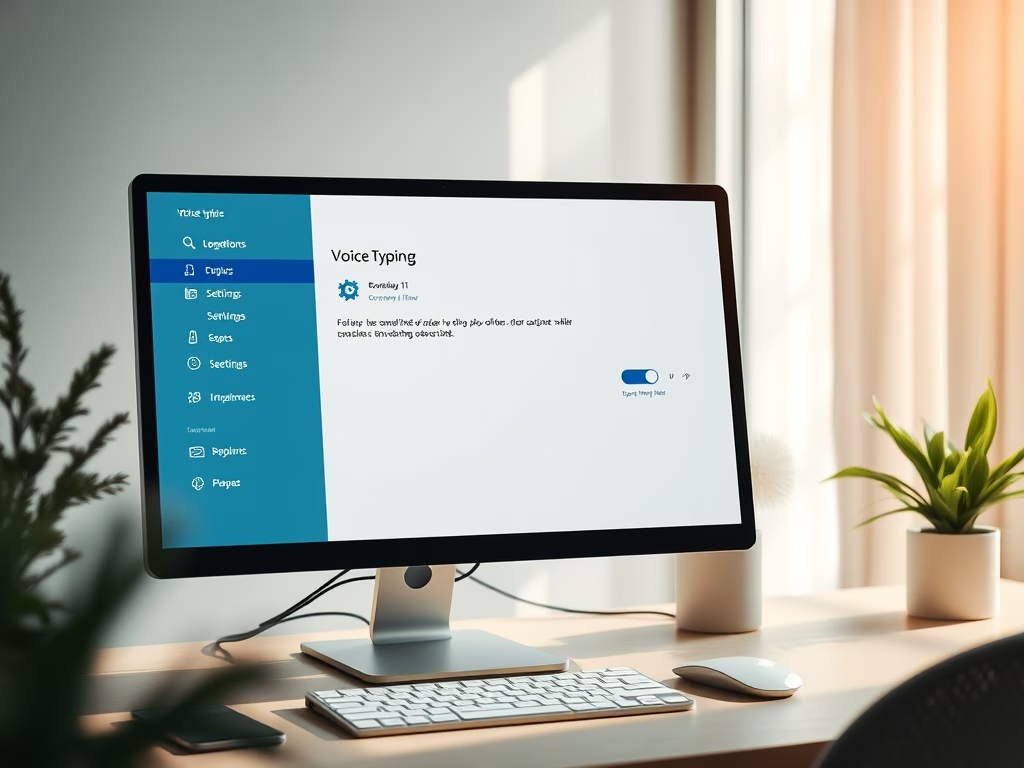
How to Filter Profanity in Windows 11 Voice Typing
Windows 11 features Voice Typing, allowing users to convert speech into text. A new profanity filter gives users control over whether to…
-
Date:
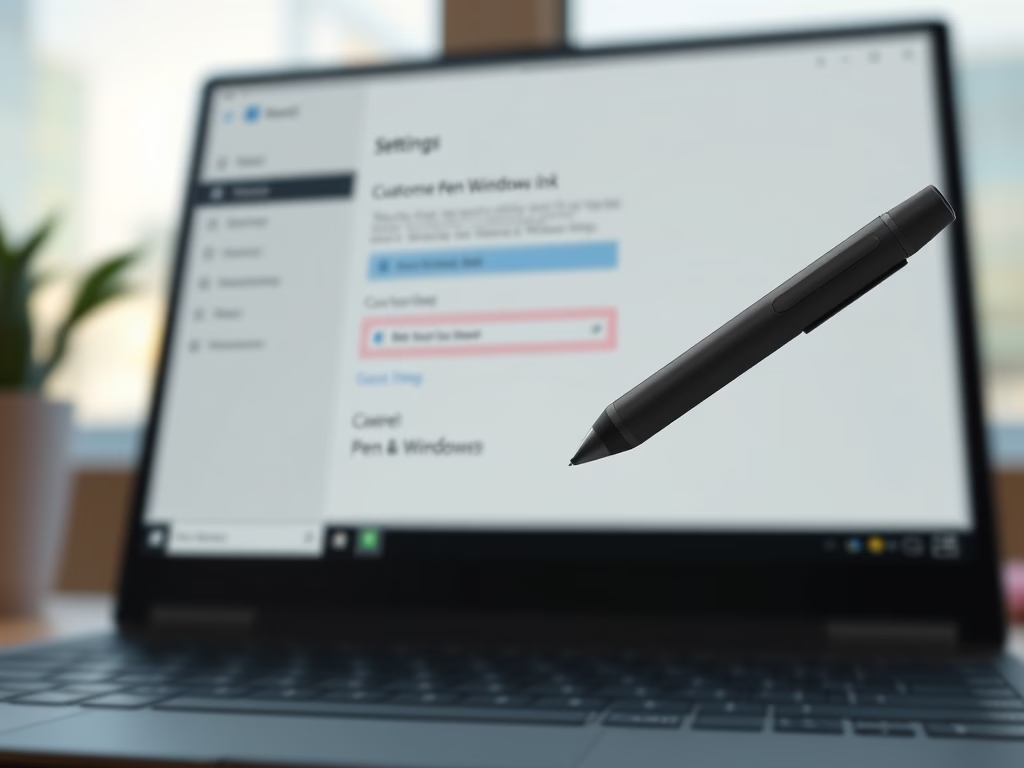
How to Change Pen Button Functions in Windows 11
This guide explains how to customize your digital pen’s shortcut button on a Windows 11 computer. Ensure Bluetooth is enabled for the…
-
Date:
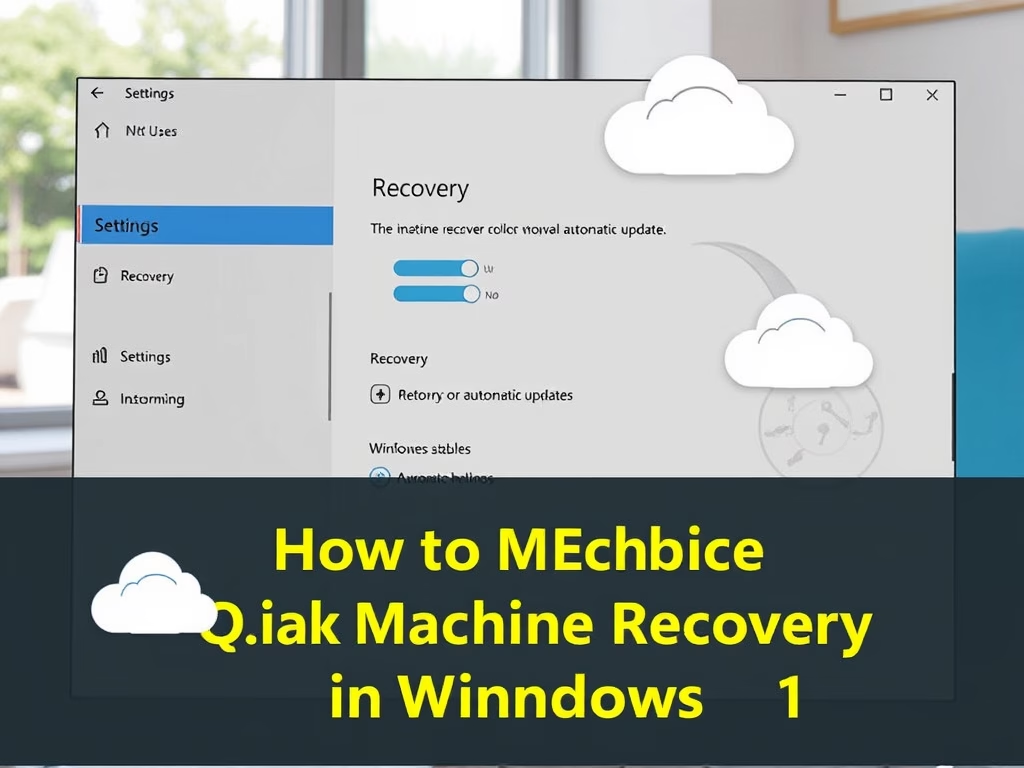
How to Enable Quick Machine Recovery in Windows 11
Quick Machine Recovery in Windows 11 is a feature that helps resolve startup issues automatically by finding fixes online. It streamlines the…
-
Date:
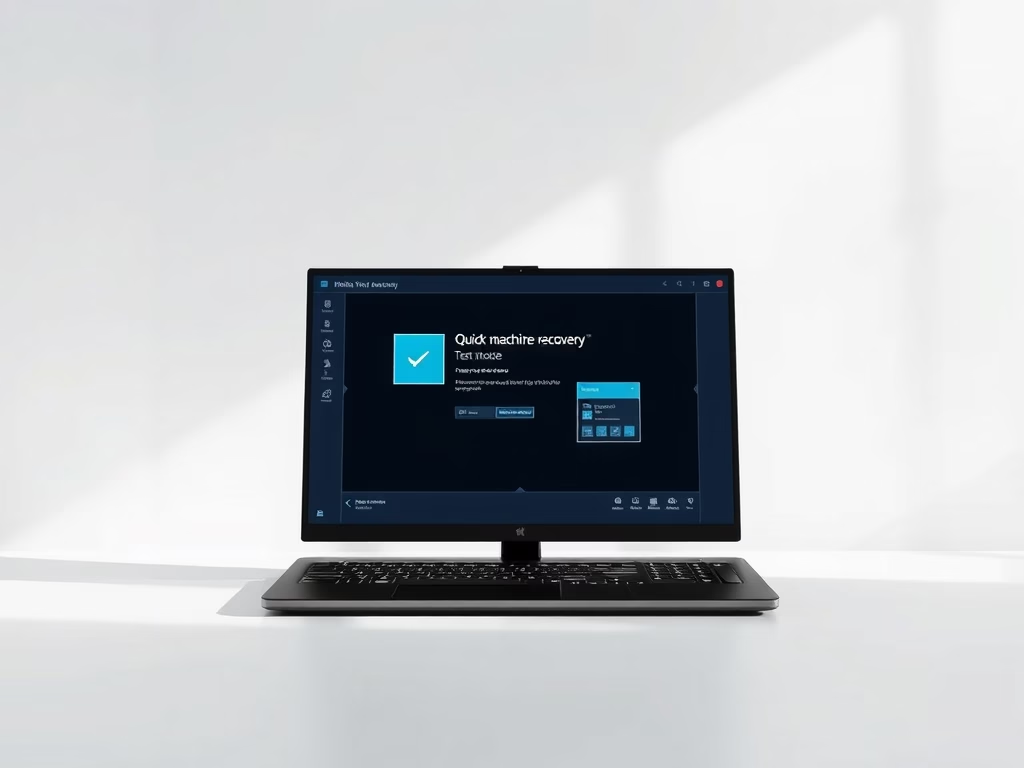
How to Test Quick Machine Recovery in Windows 11
Quick Machine Recovery in Windows 11 automates the repair of serious startup issues using online solutions and the Windows Recovery Environment (WinRE).…
-
Date:
Enable Hey, Copilot: Hands-Free Voice Commands on Windows 11
“Hey, Copilot” is a voice command feature for Windows 11 that allows users to interact with the Copilot assistant hands-free. To enable…
-
Date:
How to Change Mouse Pointer Image in Windows 11
This guide explains how to customize your mouse pointer in Windows 11. Users can select from default pointers or upload custom images…
-
Date:
How to Compress Images in Windows 11 for Sharing
Windows 11 introduces a feature that allows users to choose image compression quality when sharing photos, enabling faster sharing and reduced file…
-
Date:
How to Enable Dolby Vision HDR in Windows 11
This guide explains how to enable or disable Dolby Vision HDR on Windows 11 to enhance your display’s brightness and color quality…
-
Date:
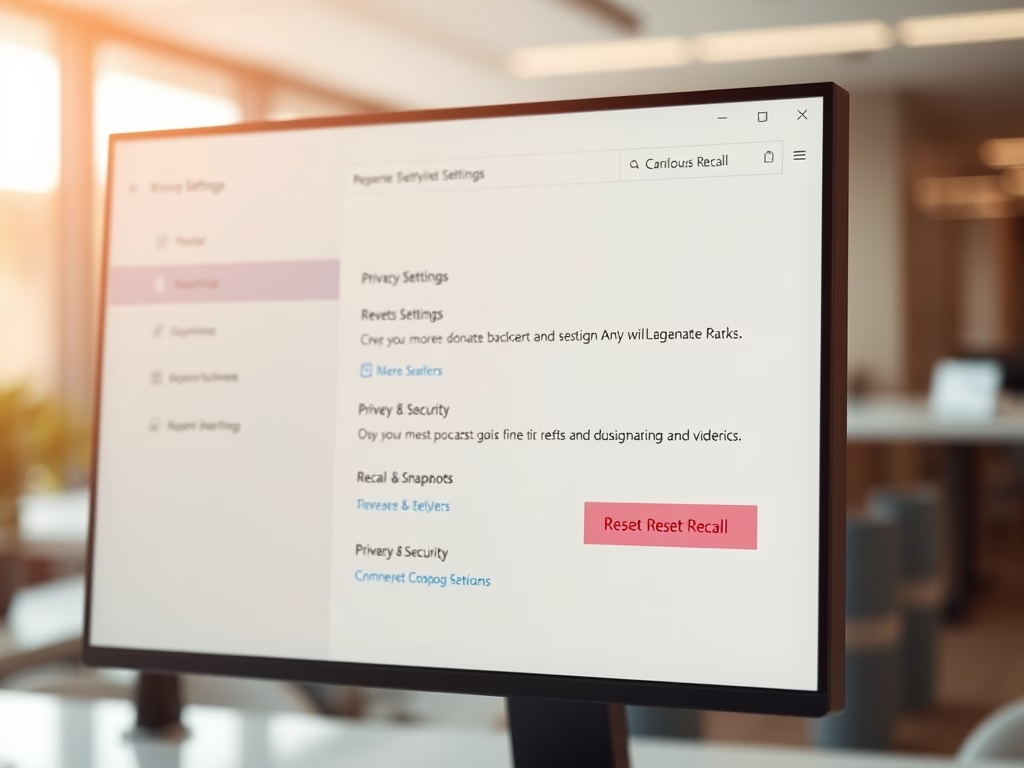
How to Reset Recall Feature in Windows 11
This guide explains how to reset the Recall feature on Windows 11, which saves screen snapshots for easy access. Users can navigate…
-
Date:
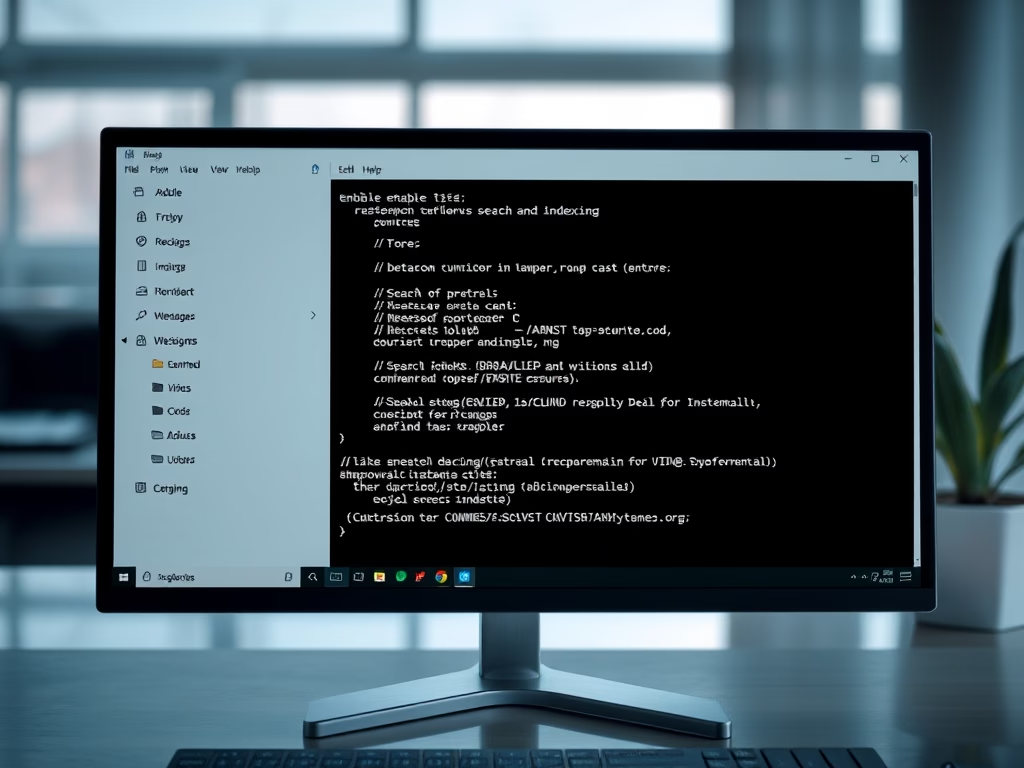
How to Fix Windows 11 Search and Indexing
This guide helps troubleshoot Windows 11 search issues by explaining the Windows Search Index’s role in enhancing file retrieval speeds. It details…