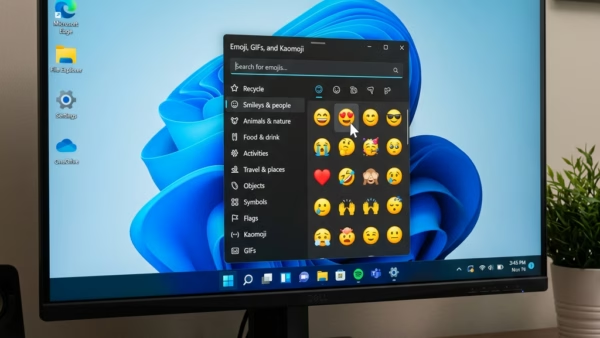
You can add emojis, GIFs, and symbols to your Windows 11 text using Alt Codes. Hold down the Alt key and type a special number code on your keyboard’s number…
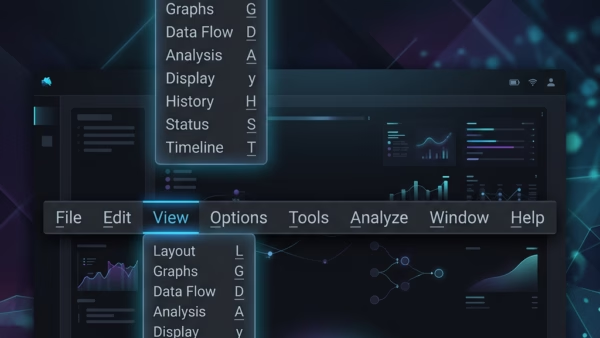
You can turn underline access keys on or off in Windows 11 to make keyboard shortcuts visible. Access keys are those underlined letters you see on menus and buttons. They…
You turn mouse pointer trails on or off in Windows 11 through the Accessibility settings. Pointer trails are a visual aid that creates a shadow or trail behind your mouse…
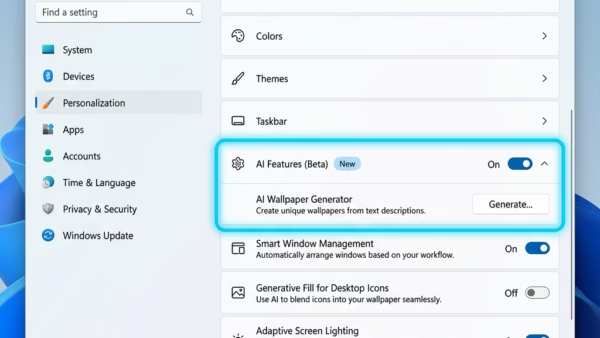
You can easily remove AI components from your Windows 11 PC right within the Settings app. These components are AI models that run directly on your computer, sometimes using special…
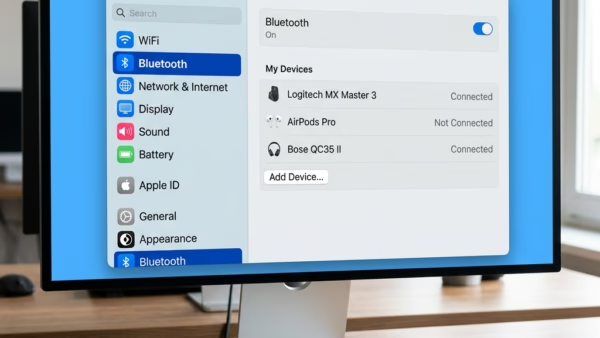
You find Bluetooth settings in Windows 11 by navigating through the main Settings app. Bluetooth settings let you manage your connected wireless devices, control their visibility to other devices, and…
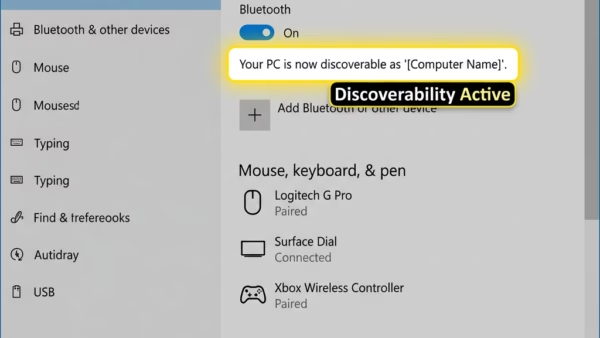
You turn “Allow Bluetooth devices to find this PC” on or off in Windows 11 to control whether your computer can be found by other Bluetooth devices. This setting is…
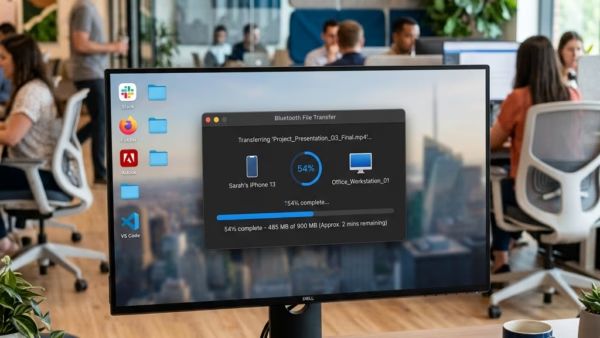
Want to send a file to another device using Bluetooth in Windows 11? It’s a handy way to share photos, documents, and more without cables. Here’s how you do it:…
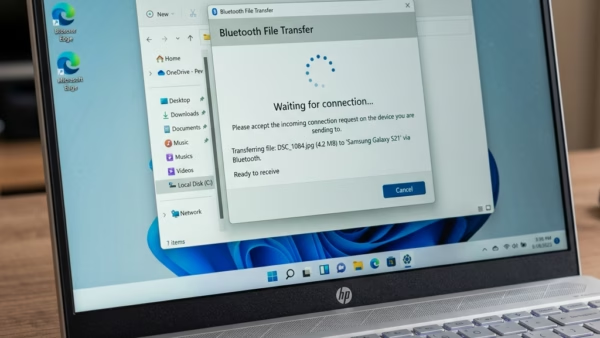
You can receive files on your Windows 11 PC using Bluetooth by turning on Bluetooth and then starting a file transfer from the device that’s sending the file. Bluetooth file…
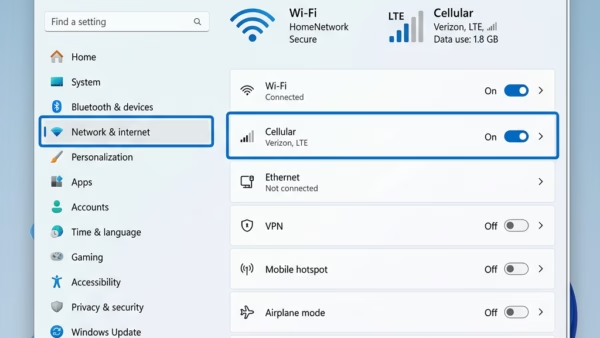
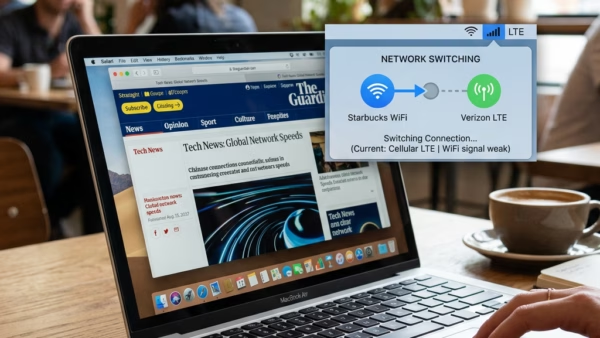
You can turn on or off the feature that automatically uses your cellular connection when Wi-Fi is poor in Windows 11. This setting ensures you maintain an internet connection even…
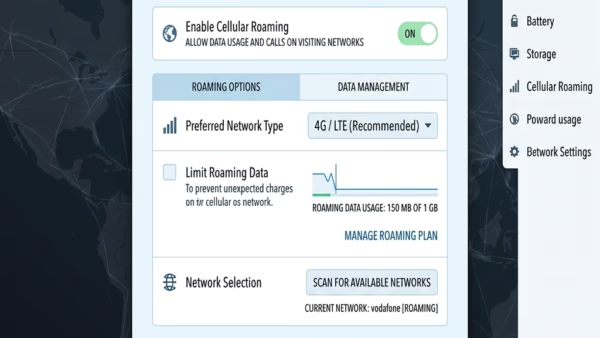
You adjust your cellular data roaming settings in Windows 11 to control whether your device uses your mobile carrier’s network when you’re outside your usual coverage area. Cellular data roaming…
You can turn a metered connection on or off in Windows 11 to manage your cellular data usage. Think of a metered connection as a network setting. It helps you…
You can turn on or off the “Let Windows keep me connected” feature in Windows 11 to manage your cellular data usage. This setting lets your Windows 11 PC automatically…
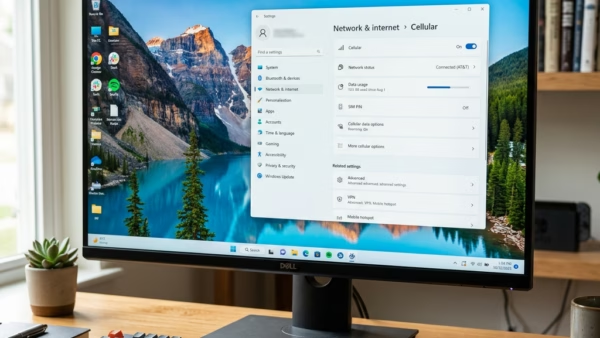
Imagine getting online anywhere with a cell signal, just like your smartphone. You can do that with your SIM card in Windows 11. This feature lets your Windows laptop or…
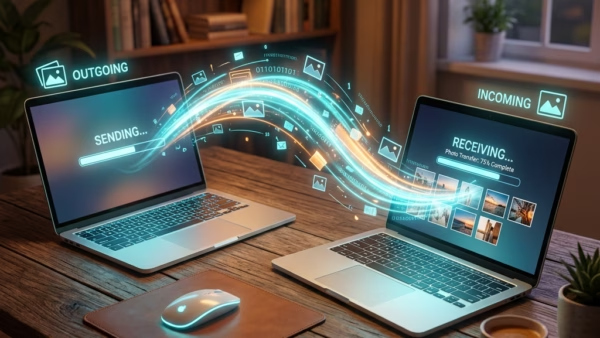
You can share pictures directly between nearby Windows 11 PCs using the built-in Nearby sharing feature. Nearby sharing is a Windows functionality that lets you wirelessly transfer files, including photos,…
Nearby Sharing in Windows 11 lets you send a link to a website directly to another nearby PC. You won’t need email or any external apps for this. This feature…