

Category: Windows
-
Date:
Change Default Save Location in Windows 11
This post outlines how to change the default save location for documents, music, videos, and apps in Windows 11, particularly useful if…
-
Date:
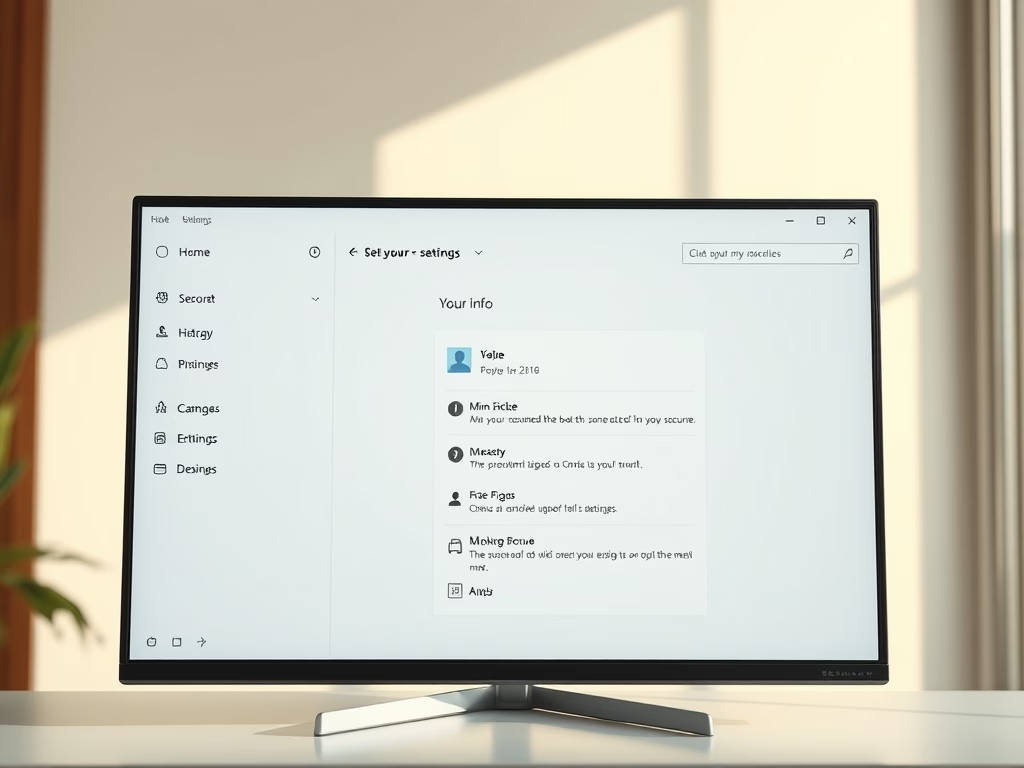
How to Change Your Account Picture in Windows 11
This article provides a guide on how to add or change your account profile picture in Windows 11. Users can personalize their…
-
Date:
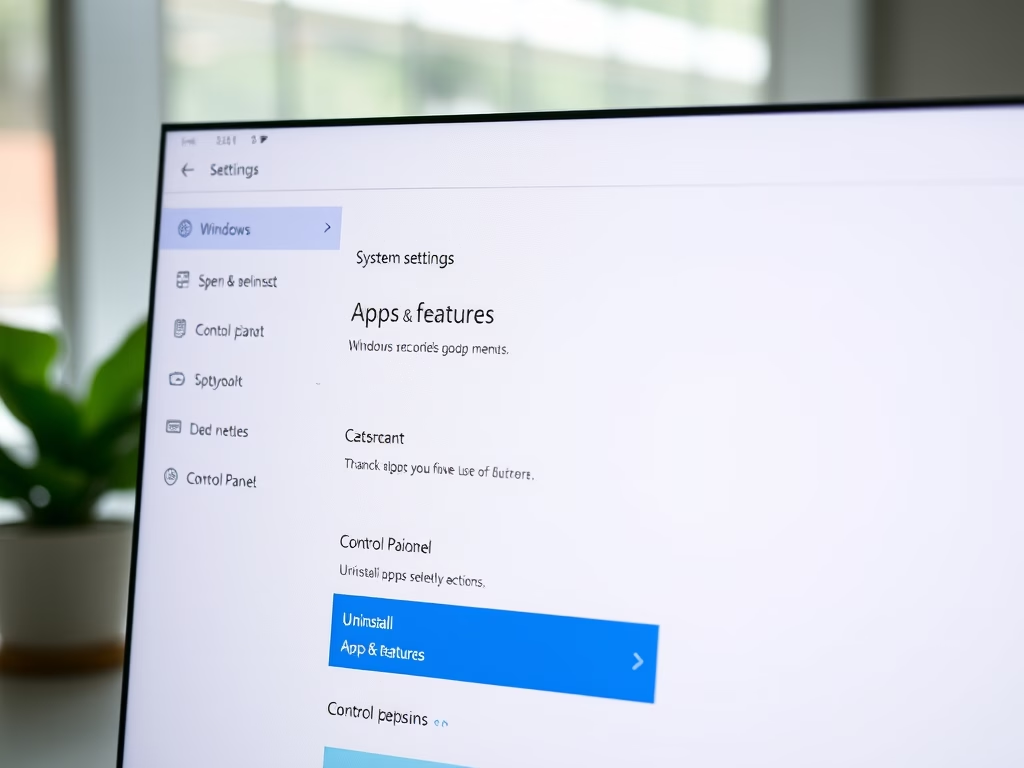
Uninstall Apps in Windows 11
This article outlines how to uninstall applications in Windows 11, distinguishing between Desktop apps and Windows apps. It explains accessing System Settings…
-
Date:
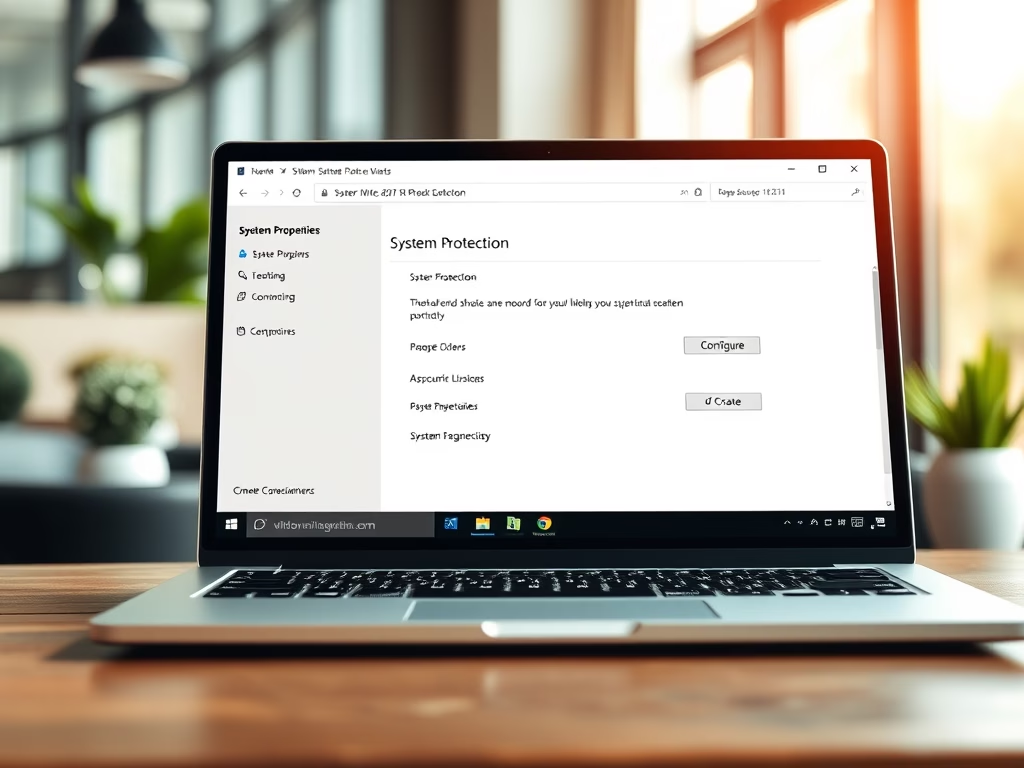
How to Create a System Restore Point in Windows 11
This article explains how to create a system restore point in Windows 11 for recovering your system from errors. It outlines the…
-

Date:
How to Install RSAT on Windows 11
The post provides a detailed guide on installing and using the Remote Server Administration Tool (RSAT) on the newly previewed Windows 11.…
-
Date:
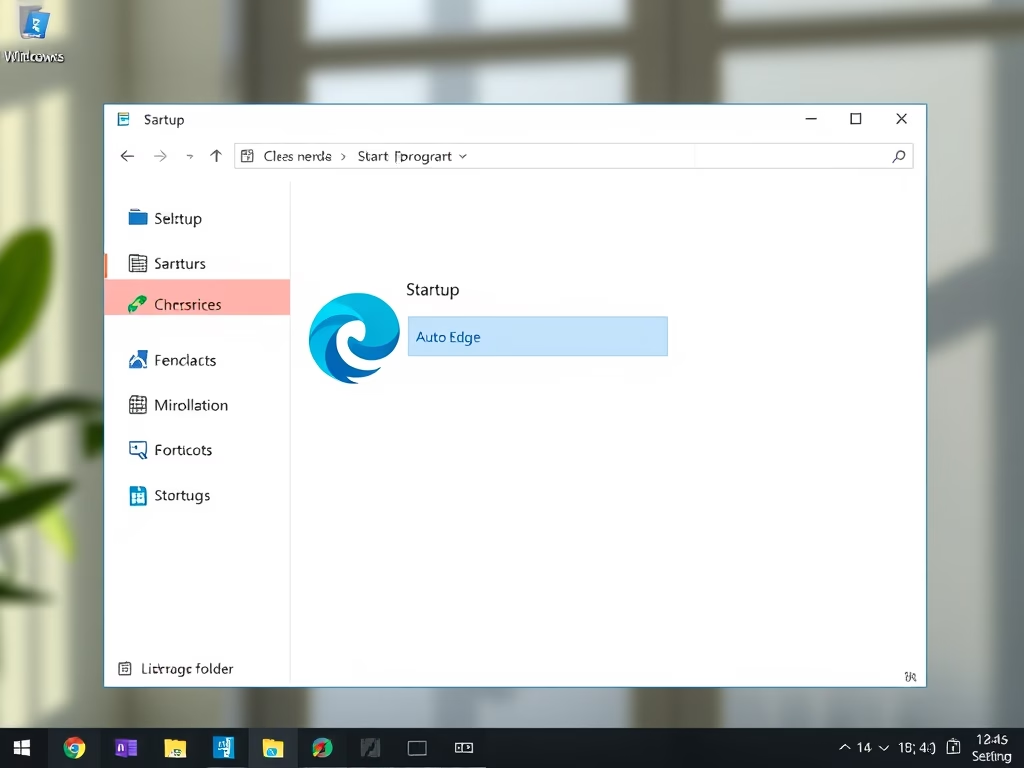
Automatically Launch Programs on Windows 11 Startup
This guide explains how to configure programs to automatically start upon login in Windows 11. It instructs how to locate program details,…
-
Date:
How to Install OpenSSH Client on Windows 11
The article outlines the installation and usage of the built-in OpenSSH Client in Windows 11, which replaces third-party software like PuTTY. Users…
-
Date:
How to Activate Microsoft Defender in Windows 11
This article outlines how to activate Microsoft Defender in Windows 11, emphasizing its importance for security against unauthorized access and malware. Users…
-
Date:
How to Pause Windows 11 Updates Temporarily
This article outlines how to temporarily pause and resume Windows updates in Windows 11. Users can pause updates for up to 5…
-
Date:
How to Make a User Administrator in Windows 11
This article outlines the steps to grant administrator rights to a standard user in Windows 11. By default, new accounts are set…