
Category: Windows
-
Date:
How to Show or Hide the Terminal Icon in Windows 11
Windows Terminal allows users to run command-line tools and customize its settings, including the visibility of its icon in the Taskbar’s notification…
-
Date:
How to Launch Windows Terminal in the Center of Your Screen (Windows 11)
Windows Terminal allows users to run various command-line tools and can be customized to open in the center of the screen. By…
-
Date:
How to Turn On Notifications for Sticky, Filter, or Toggle Keys in Windows 11
Windows offers features like Sticky, Filter, and Toggle Keys to enhance typing for users. Sticky Keys allow single key press shortcuts, Filter…
-
Date:
How to Change Windows Terminal Themes
This guide explains how to customize the appearance of Windows Terminal by switching between dark mode, light mode, or matching it to…
-
Date:
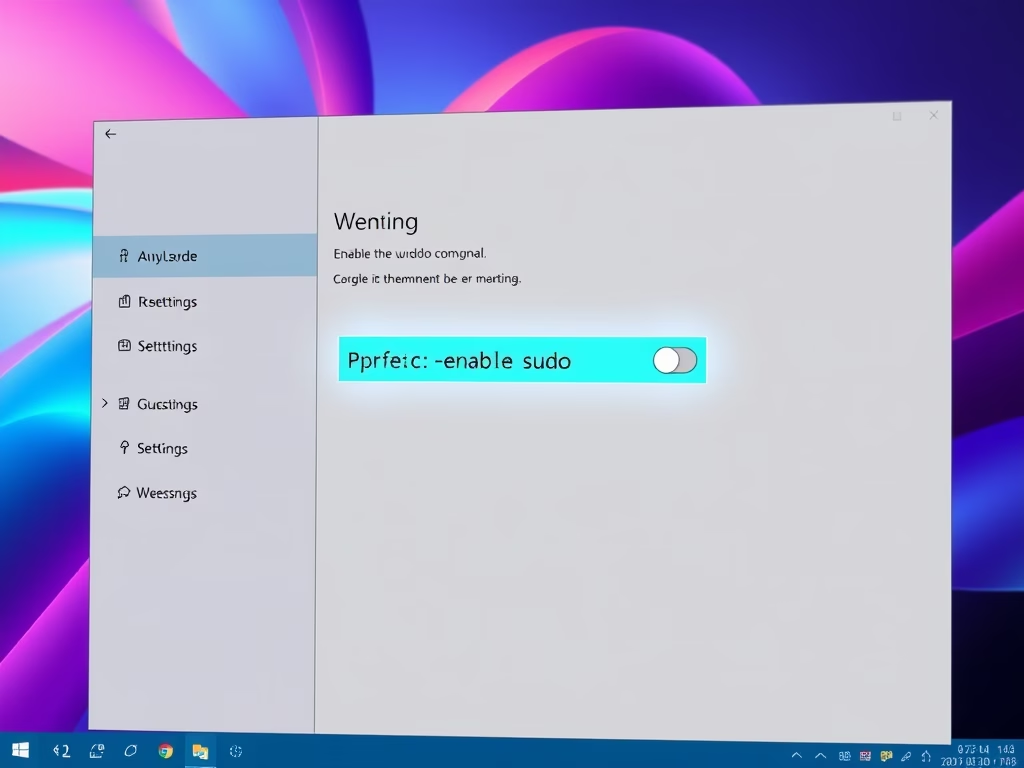
How to Enable or Disable the sudo Command in Windows 11
This guide explains how to enable or disable the sudo command in Windows 11, introduced in the Insider Build 26052. Users can…
-
Date:
How to Enable or Disable Hibernate in Windows 11
Hibernate is a power-saving feature in Windows 11 that saves open files to the hard drive and fully powers off the computer.…
-
Date:
How to Calibrate Your Display Color in Windows 11
Windows 11 offers a display color calibration tool that enhances screen colors, brightness, and contrast for a more natural appearance. This feature…
-
Date:
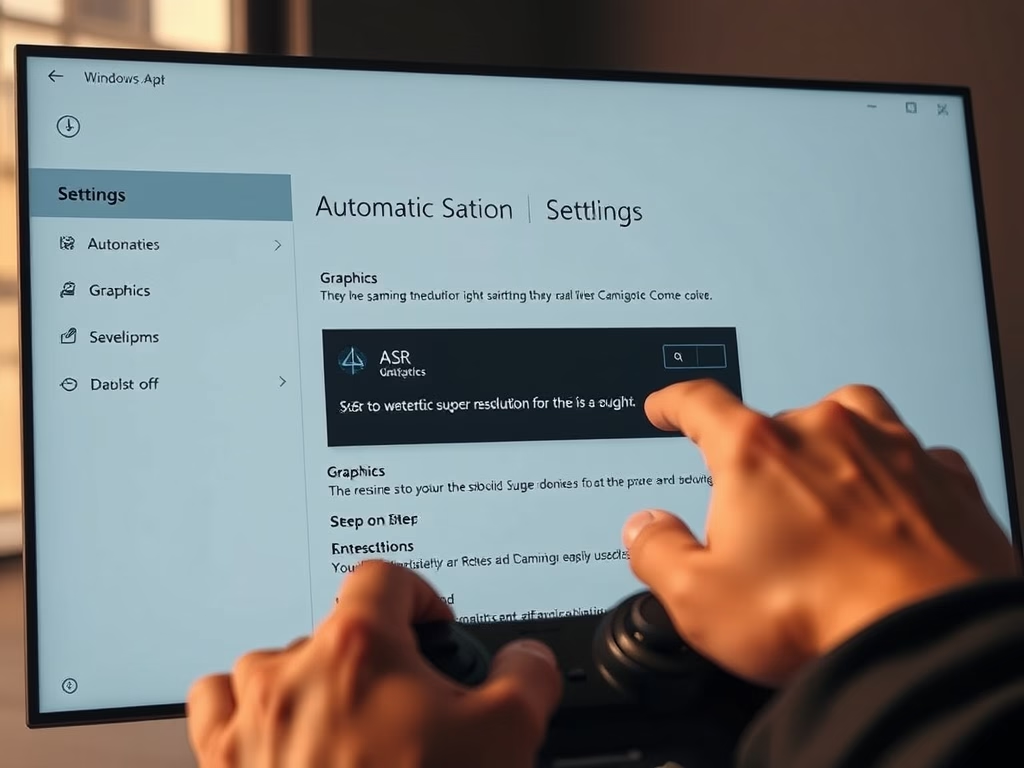
How to Turn On Automatic Super Resolution (ASR) in Windows 11
This guide outlines how to enable or disable Automatic Super Resolution (ASR) in Windows 11, enhancing game graphics. Users can access ASR,…
-
Date:
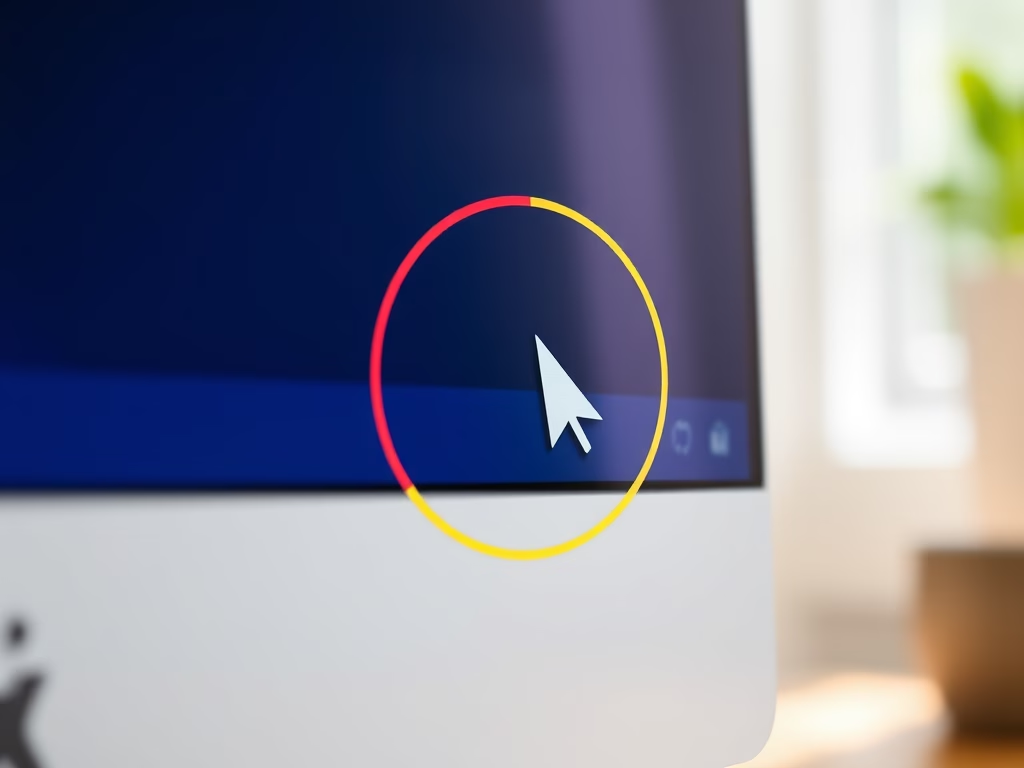
How to Enable Mouse Pointer Indicator in Windows 11
This guide explains how to enable or disable the Mouse Pointer Indicator in Windows 11, which adds a colored circle around the…
-
Date:
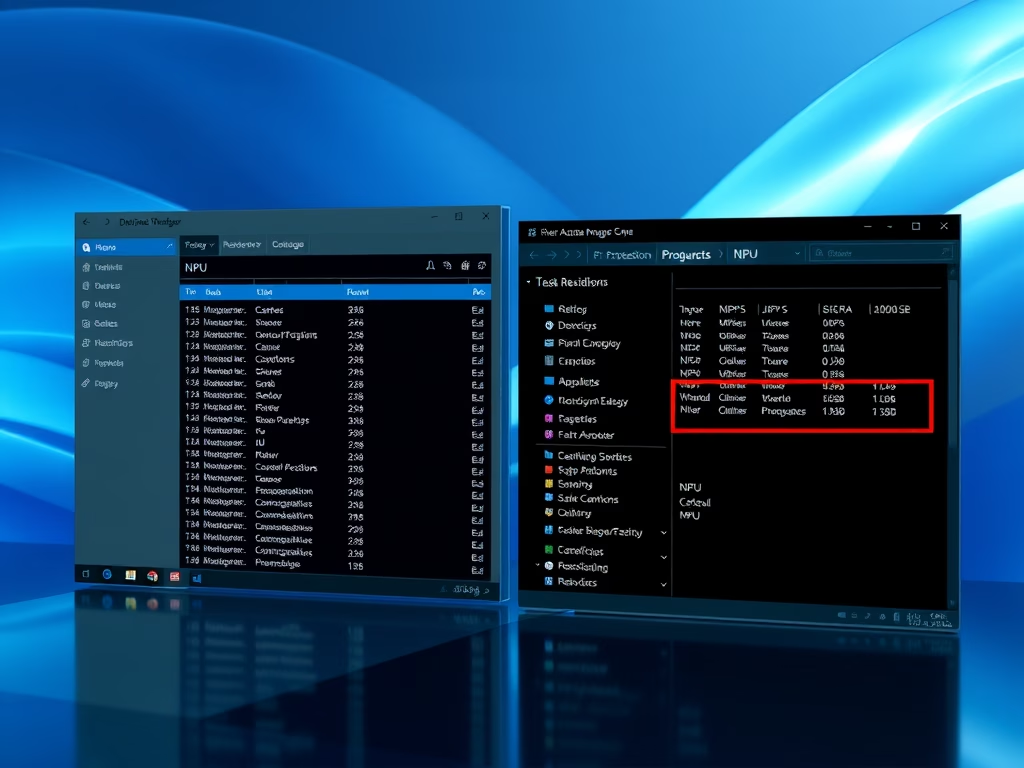
How to Check for Neural Processing Units in Windows 11
This guide explains how to determine if your Windows 11 PC has a Neural Processing Unit (NPU), which enhances AI tasks like…