How to Enable or Disable Windows Protected Print Mode in Windows 11
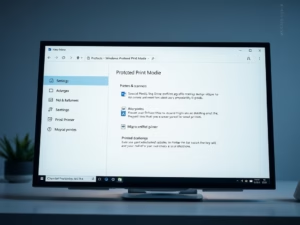
Windows Protected Print Mode (WPP) in Windows 11 enhances document security by utilizing trusted drivers, particularly for sensitive environments like banks and hospitals. Users can activate or deactivate WPP via Settings, Group Policy, or Registry Editor, with a system restart required for changes to take effect.

1 Comment