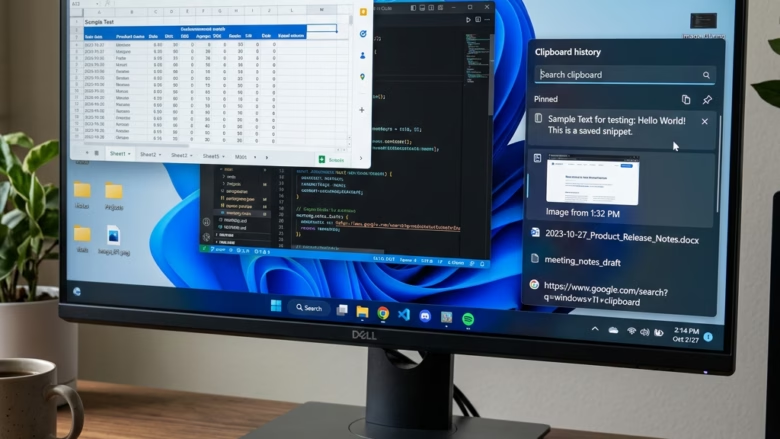
How to Enable or Disable Clipboard History in Windows 11
This article outlines steps to manage Clipboard history in Windows 11, allowing users to enable or disable the feature that stores copied items for easy access across devices. Users can modify settings via the Windows Settings app, Local Group Policy Editor, or Windows Registry. The feature aids in productivity but can be disabled for privacy concerns. The synchronization relies on using the same Microsoft account across different devices.

1 Comment