Pen double-tap speed in Windows 11 controls how quickly you need to tap your screen with a stylus to trigger a double-click. Adjusting this setting stops your screen from missing…
Windows
2,497 tutorials · page 59
Set your dominant writing hand in Windows 11 to keep menus visible and prevent your palm from blocking options while you sketch or take notes. Why Would You Do This?…
Enhance Pointer Precision in Windows 11 changes how fast your mouse cursor moves across the screen based on the physical speed of your hand. This setting acts as mouse acceleration,…
The Mouse Keys icon on your Windows 11 taskbar shows up when a helpful accessibility setting is turned on. This feature lets you move your mouse pointer using the number…
The mouse pointer in Windows 11 is the small arrow or symbol that tracks your hand movements on screen to help you navigate your computer. Changing the pointer style and…
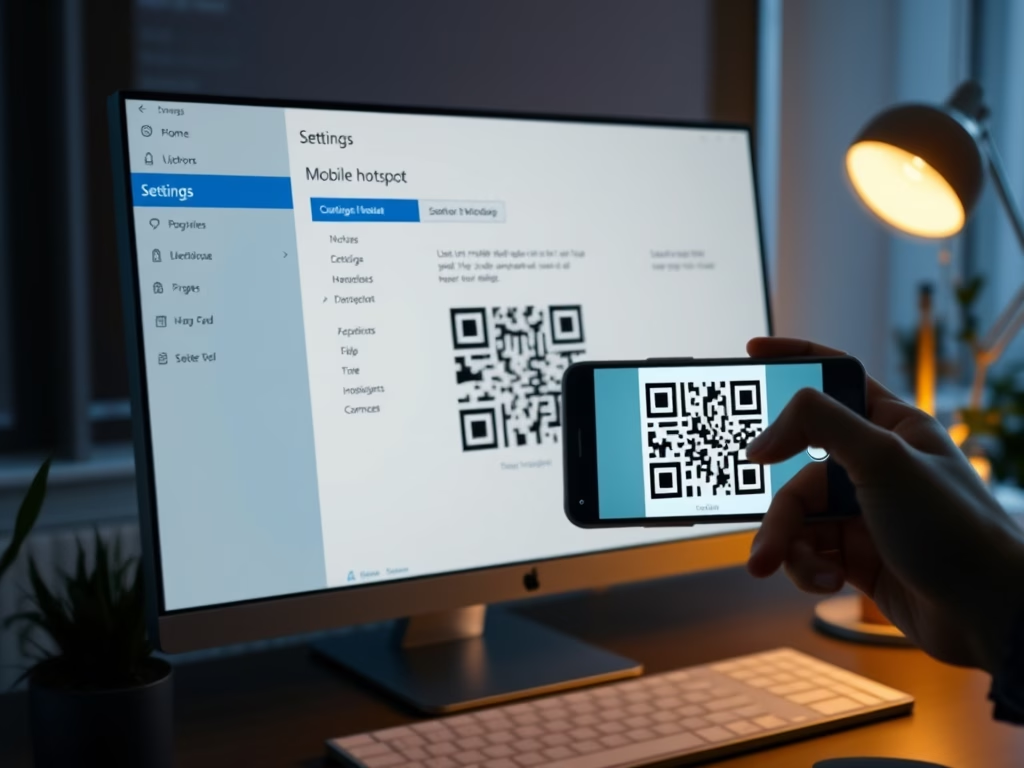
A Windows 11 mobile hotspot QR code lets you share your internet connection instantly so other devices can join your network without typing a long password. This feature arrives with…
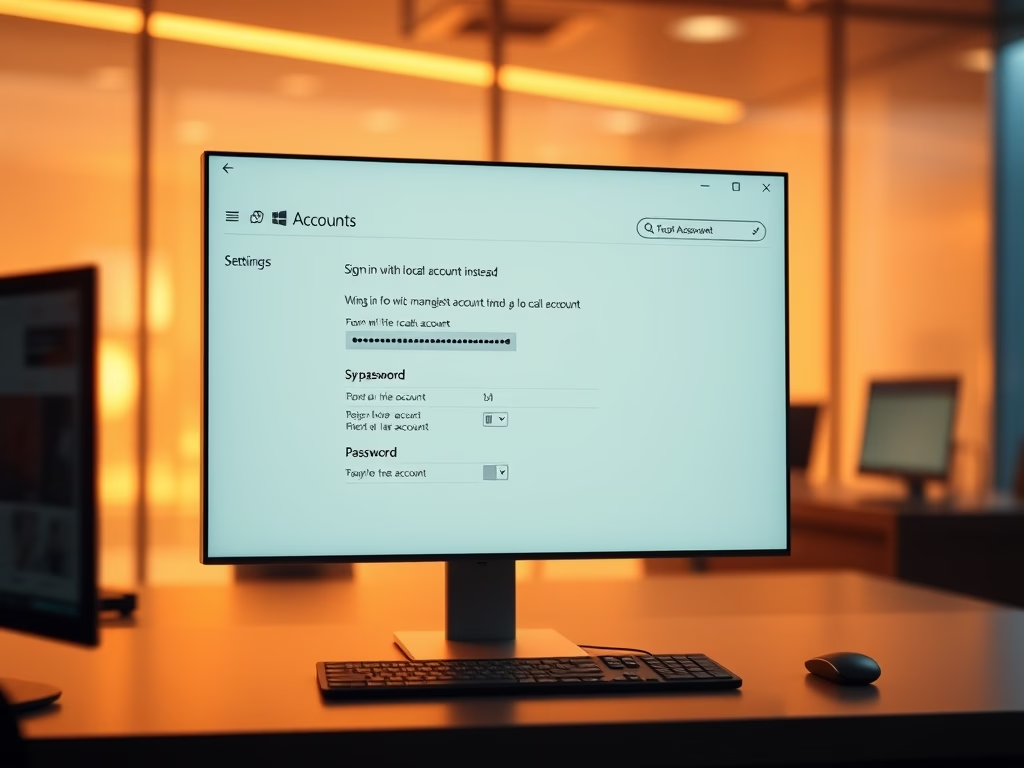
Switching to a local account in Windows 11 lets you run your PC with an offline username and password instead of a cloud-connected Microsoft account. This change disconnects your computer…
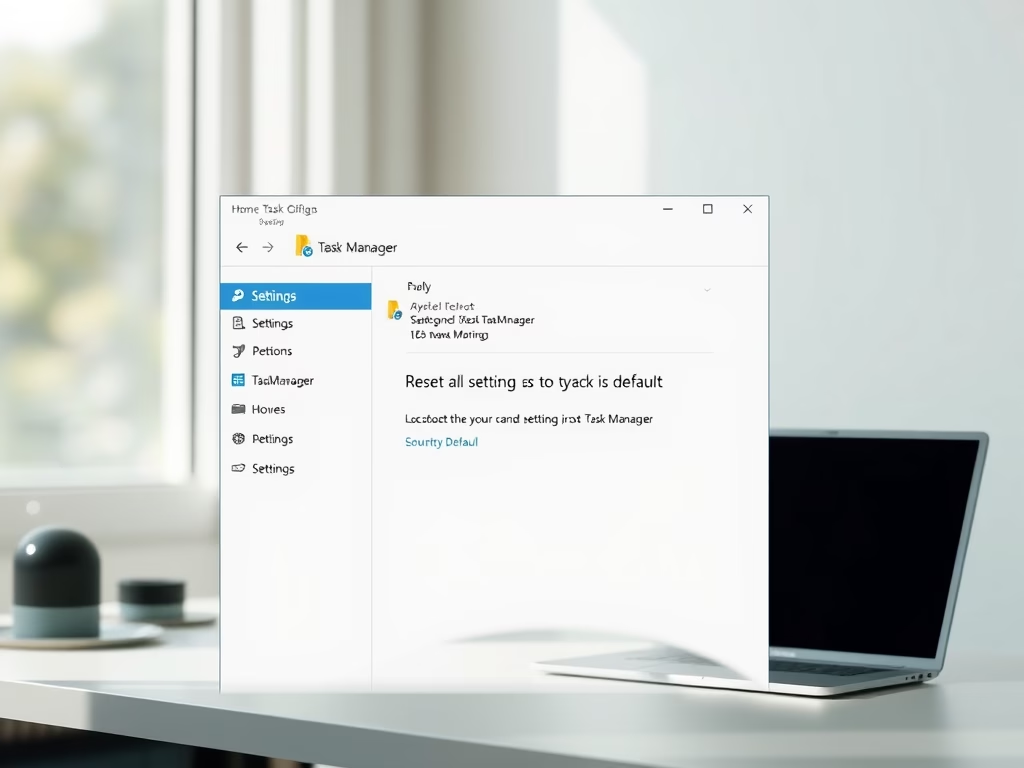
What is Task Manager? Task Manager is a built-in Windows 11 tool that shows active programs, resource usage, and lets you force-close unresponsive apps. Why reset Task Manager settings? Sometimes…
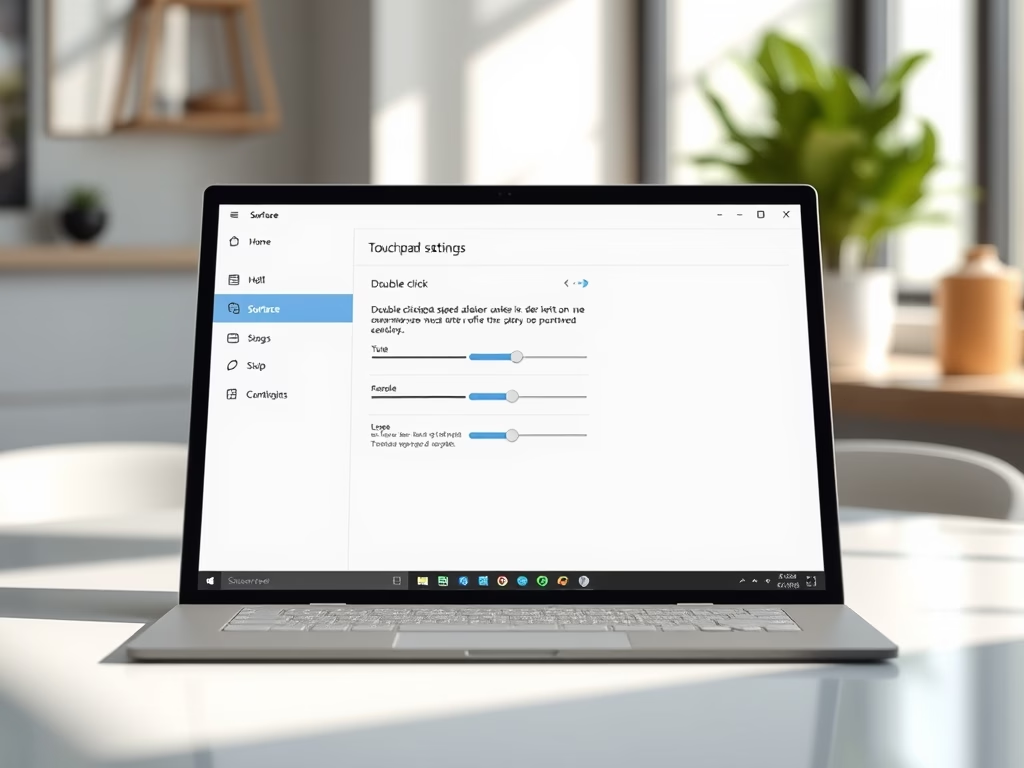
Touchpad double click speed on Microsoft Surface devices running Windows 11 controls how fast you must tap your Precision Haptic Touchpad twice to register a double-click action. Adjusting this setting…
The touchpad right-click region in Windows 11 lets you split the bottom corner of your laptop pad so a tap on the right side opens context menus just like a…
Adaptive Touch is a built-in feature on Microsoft Surface devices running Windows 11 that lets you adjust the click firmness and vibration feedback of your haptic touchpad. Surface laptops and…
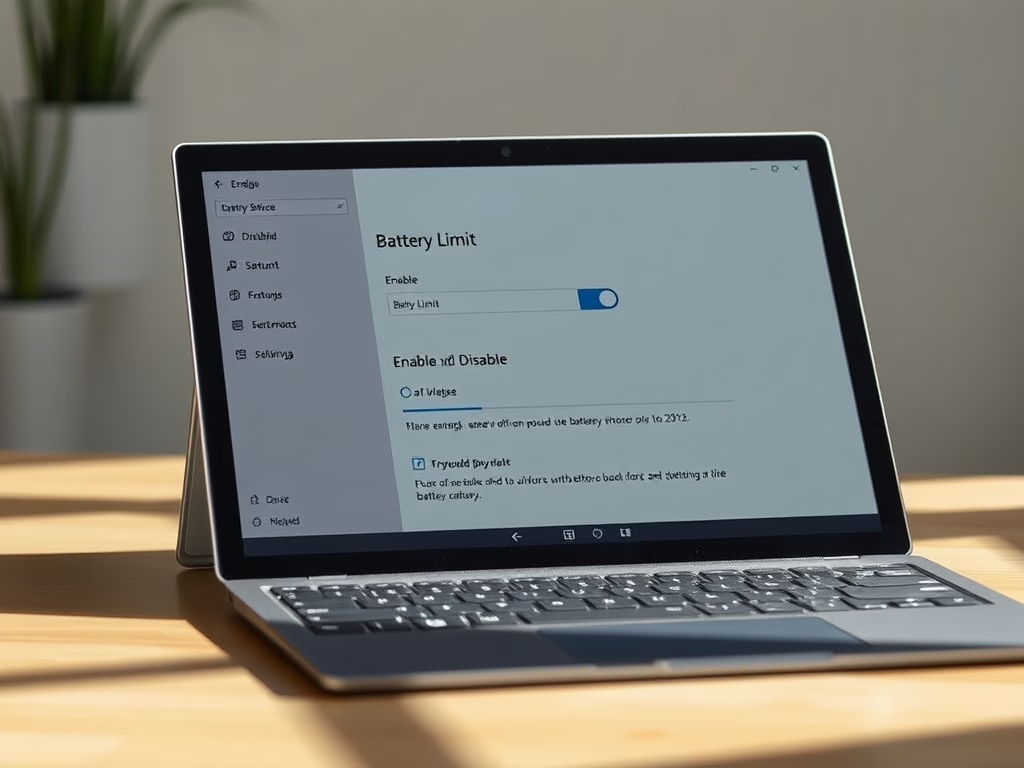
Turn the Battery Limit option on or off on any Microsoft Surface device running Windows 10 or Windows 11 to preserve long-term battery health. What is Battery Limit? Surface Battery…
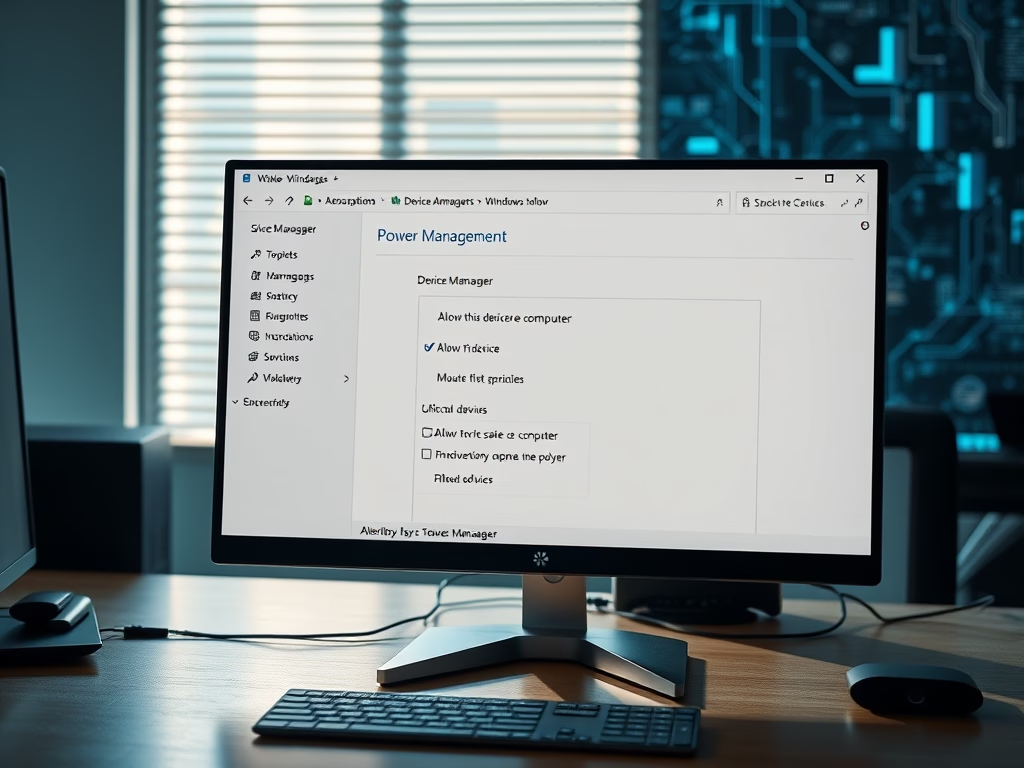
Windows 11 lets you choose which devices can wake your computer from sleep, saving you from pressing the physical power button every time. Why This Matters A device can wake…
Lock screen notifications can expose private messages to anyone walking past your PC. Here is how to hide that preview text on Windows 11. Why This Matters Windows 11 displays…
This guide shows you how to turn USB selective suspend on or off for any power plan in Windows 10 and 11. What Is USB Selective Suspend? USB selective suspend…