Installing a CMS (Content Management System that lets you build and manage website pages) and ITSM (IT Service Management software that helps you track support tickets and hardware) on Ubuntu…
Ubuntu Linux
435 tutorials
Ubuntu Linux is an open-source operating system that uses text-based commands to manage software, user accounts, and system security. Administering an Ubuntu system involves updating packages, managing file permissions, and…
Customizing Ubuntu Desktop lets you change the look, feel, and layout of your screen using built-in settings and extensions. Ubuntu 24.04 and recent versions include tools to swap out themes,…
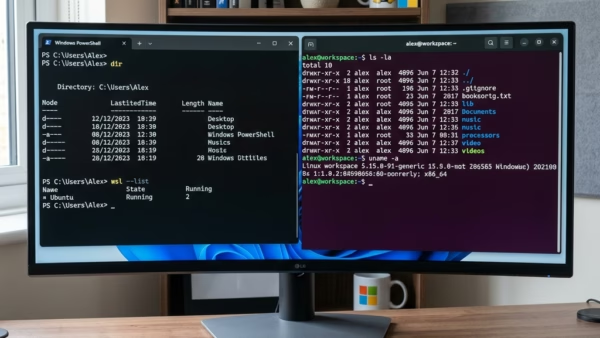
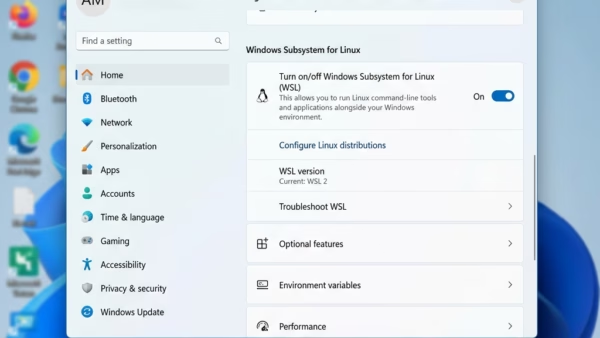
Windows Subsystem for Linux (WSL) lets you run Linux tools and apps directly on Windows 11 without needing a separate virtual machine. WSL 2 uses a real Linux kernel to…
Removing Windows Subsystem for Linux (WSL) frees up disk space and deletes all associated Linux files and apps. Why remove WSL? Reclaiming your disk space clears out the Linux environment…
Remote connections to a MySQL database server let other computers on your network or the internet access your database instead of just the host machine. By default, MySQL blocks outside…
Task Command Add user to sudo group sudo usermod -aG sudo username Check user groups groups username See user’s sudo permissions sudo -l -U username Edit sudoers file safely sudo…
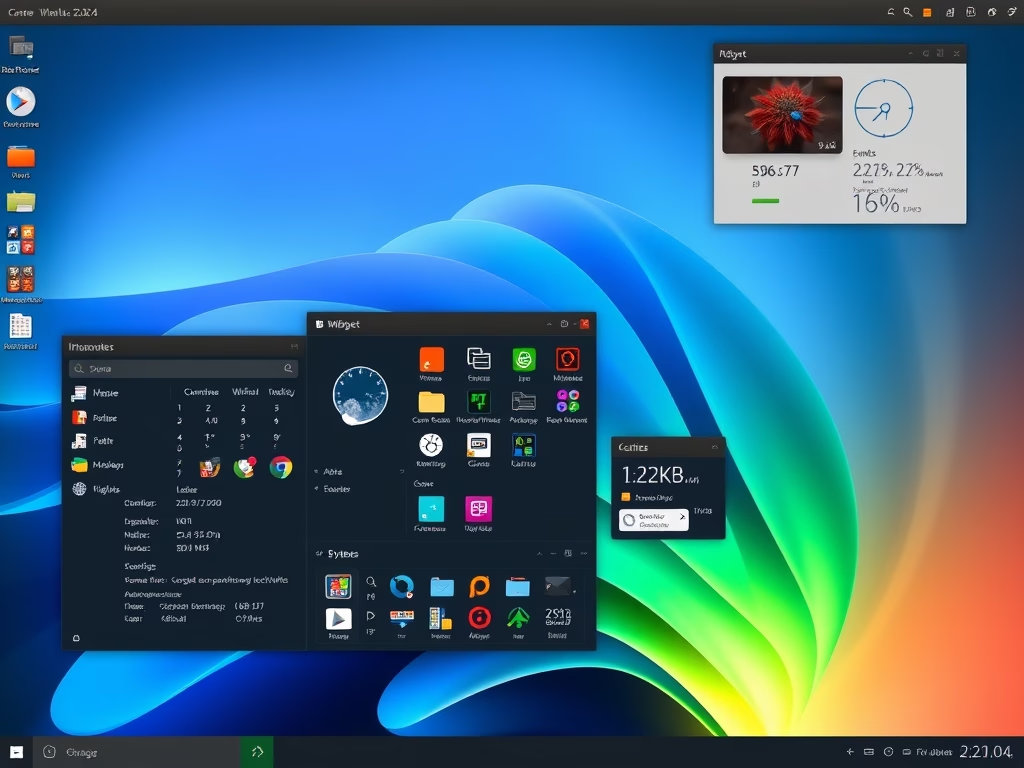
This article outlines the installation of KDE Desktop on Ubuntu 24.04. KDE Plasma offers customizable widgets and activities for efficient task management. Users can install it using a simple command and reboot to access the new GUI. The process transforms an Ubuntu system without a GUI into a fully functional desktop environment.
This article outlines the installation process for GNOME Desktop on Ubuntu 24.04, highlighting its user-friendly interface, essential applications, and customizability through themes and extensions. The straightforward installation involves a few terminal commands followed by a reboot, after which users can enjoy a modern desktop environment that enhances their Ubuntu experience.
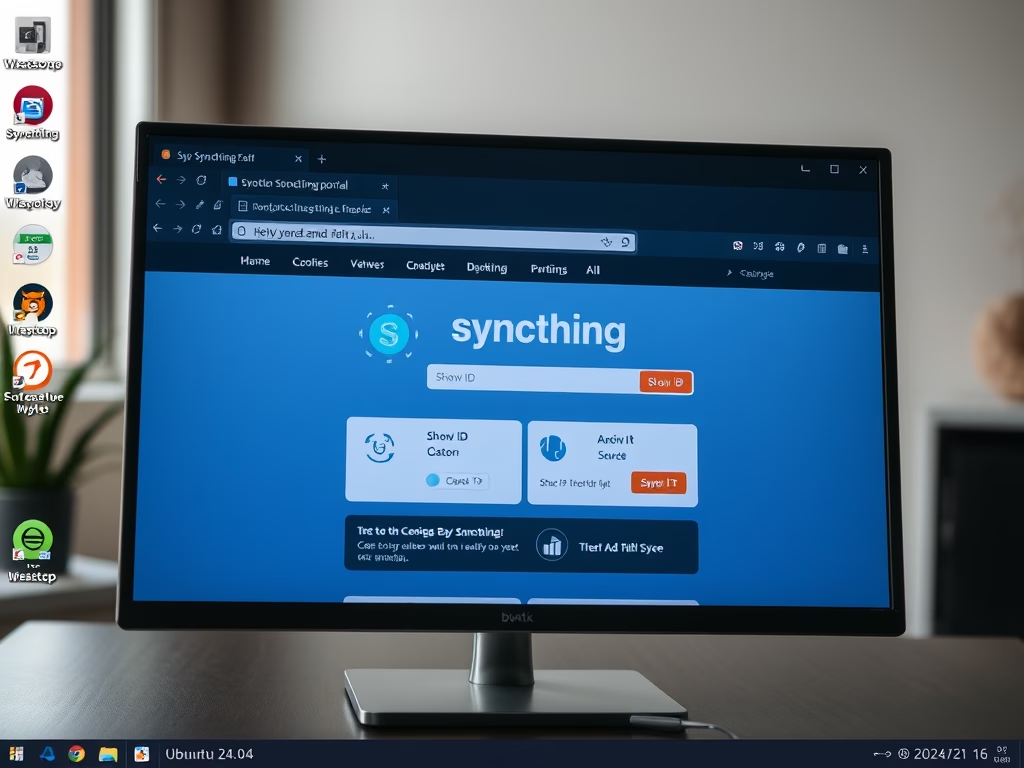
This article details the steps to install and configure Syncthing, an open-source tool for file synchronization on Ubuntu 24.04. It emphasizes direct device connections for enhanced privacy and control, customizable syncing options, strong security through password protection, and real-time updates, ensuring that all files are current across devices.
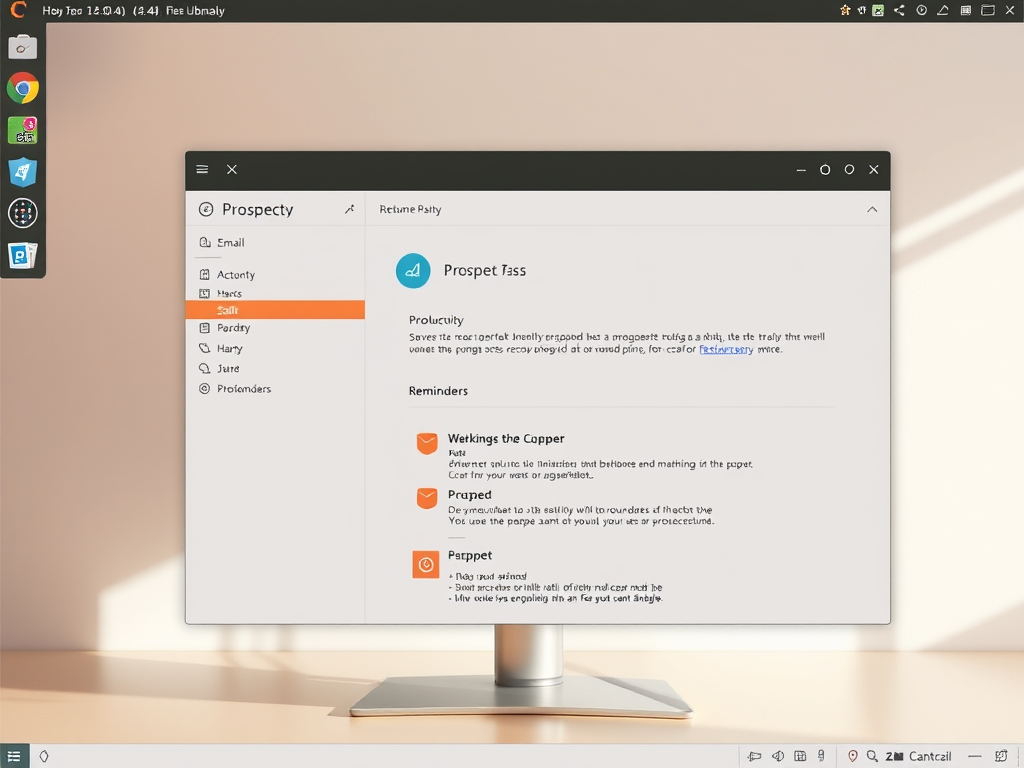
This article details the installation of the Prospect mail client on Ubuntu 24.04, emphasizing its user-friendly design and productivity features like scheduling and reminders. Users can install it via a Debian package or Snap, ensuring easy access post-installation. Regular updates are encouraged for optimal functionality and enhancements.
This article provides a comprehensive guide to installing WebStorm on Ubuntu 24.04, detailing methods via the JetBrains PPA, Snap, and Flatpak package managers. WebStorm is a feature-rich IDE for JavaScript, enhancing coding efficiency. The installation process includes system preparations, repository setup, and commands for installation and removal.
This article outlines the installation process for RubyMine on Ubuntu 24.04, an IDE developed by JetBrains for Ruby and Ruby on Rails. It covers prerequisite package installations, adding the JetBrains PPA repository, and alternative installation methods using Snap and Flatpak. Users can start with a 30-day trial before requiring a license.
This article outlines the installation of PhpStorm on Ubuntu 24.04, showcasing multiple methods: APT, Snap, and Flatpak. PhpStorm, developed by JetBrains, is a powerful IDE for PHP development featuring debugging tools and support for various frameworks and front-end technologies. A free 30-day trial is available before requiring a license.
This article guides Ubuntu 24.04 users on setting their system locale, which affects language and regional settings. It explains how to list, install, and change language packs via the terminal, ensuring correct date, time, and number formats. Users are advised to restart their system to apply changes effectively.